
Back to all examples
Mixed map effects
Paint the map in watercolour with your own shader, under the plugin's bloom, grade and vignette.
Your own shader repaints Venice in watercolour. The plugin then backlights it with bloom, sharpens it with a contrast grade and frames it with a vignette.
BaseMapModule.gethides every label group and the ferry lines in onegroupsconfig, andPOIsModule.gethides the POIs, so the painting carries no lettering.MapEffects.addPassruns your shader inside the plugin’s WebGL chain, ahead of every overlay, so bloom, grade and vignette work on the painting.- The shader declares only its uniforms and
main, and auniformsfunction, read on every draw, keeps the brush at the map’s pixel ratio.
Related examples
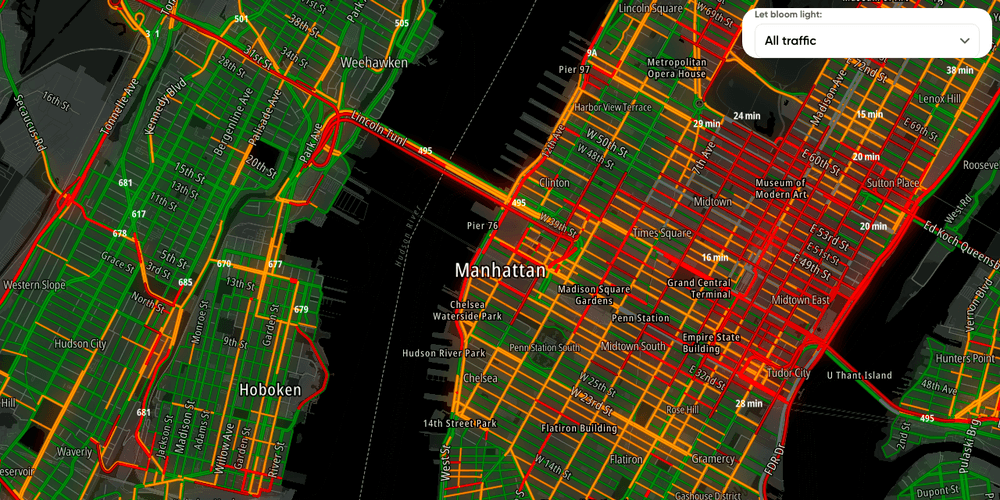
Traffic flow with bloom
Light up live traffic over a mono dark map with the map-effects plugin's bloom.
Customization
Traffic
Map Style
Plugins
Web
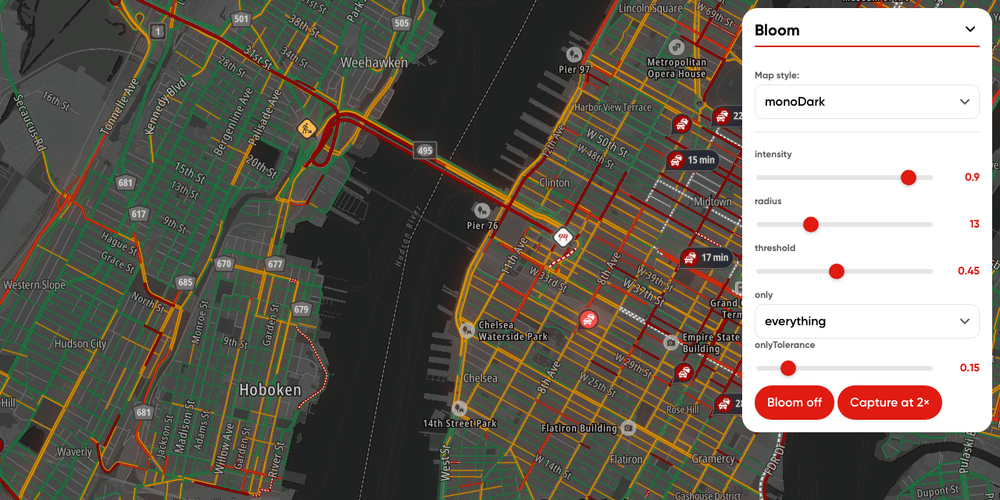
Bloom playground
Every bloom knob on one panel, including the scope that decides which part of the map is allowed to glow.
Playground
Traffic
Map Style
Plugins
Web
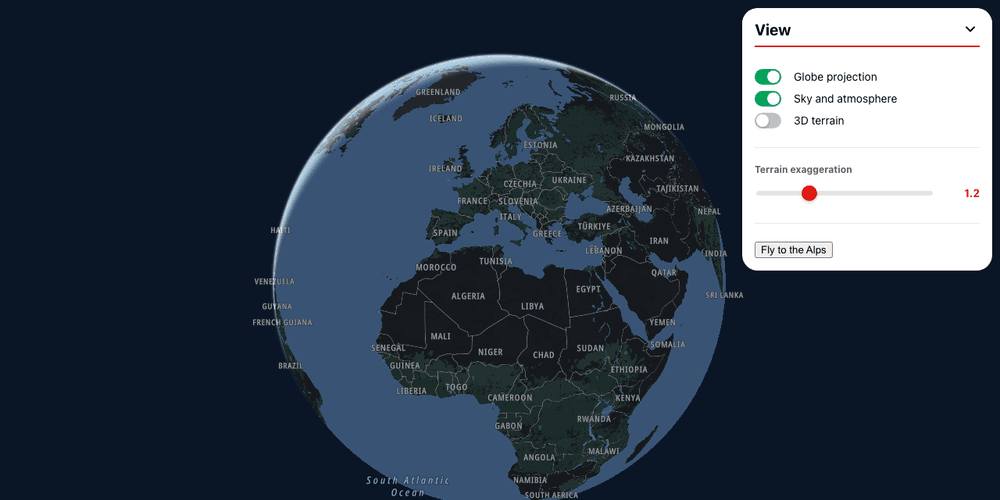
Globe and 3D terrain
Switch the map to a globe with an atmosphere with the styling foundations module's view knobs, or raise it in 3D with the terrain module
Customization
Map Style
Terrain and 3D
Web

Map Chat Agent
Ask a chat beside the map for places, routes or traffic, and watch the map search, draw and frame the answer
Playground
AI
Search and Geocoding
Places and POIs
Map Style
Base Map
Geometry
Traffic
Routing
Plugins
Web
React