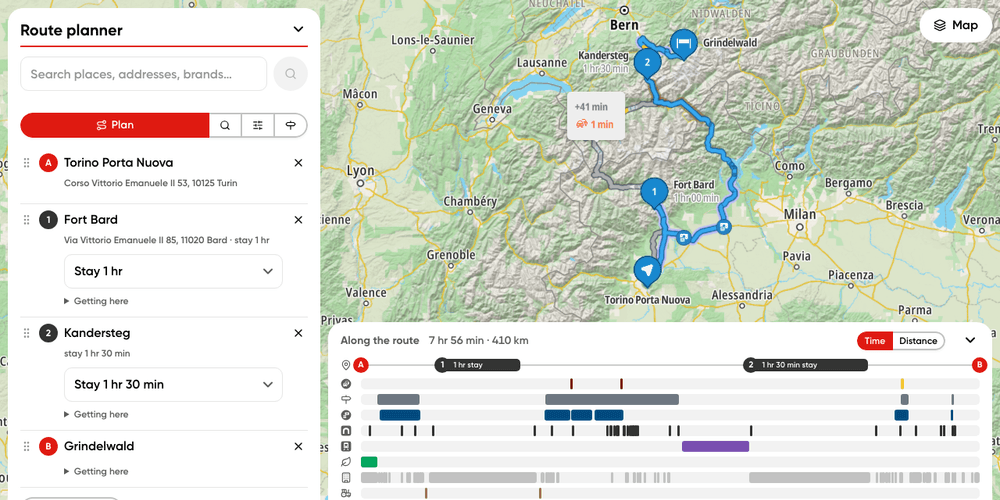
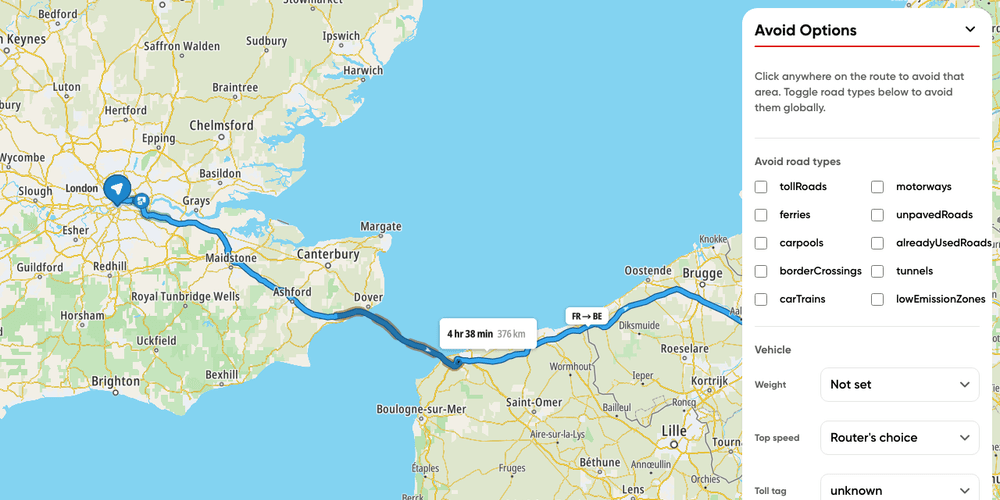
import { bboxFromGeoJSON, type Place, TomTomConfig } from '@tomtom-org/maps-sdk/core';
import {
type DisplayWaypoint,
type IconMapping,
RoutingModule,
type RoutingModuleConfig,
routingKnobCatalogue,
TomTomMap,
} from '@tomtom-org/maps-sdk/map';
import { calculateRoute, discoverOnePlace, geocodeOne } from '@tomtom-org/maps-sdk/services';
import './style.css';
import { API_KEY } from './config';
import { initKnobPanel } from './knobPanel';
TomTomConfig.instance.put({ apiKey: API_KEY, language: 'en-GB' });
const FIT_PADDING = { top: 80, bottom: 80, left: 80, right: 380 };
const categoryMapping: IconMapping<DisplayWaypoint> = {
to: 'poiCategory',
fn: (waypoint) => waypoint.properties.poi?.categories?.[0],
};
const chequeredFlag = `<svg xmlns="http://www.w3.org/2000/svg" width="120" height="140" viewBox="0 0 60 70">
<rect x="27.5" y="4" width="5" height="66" rx="2" fill="#1a2024"/>
<rect x="31" y="4" width="26" height="20" fill="#fff" stroke="#1a2024" stroke-width="2"/>
<path fill="#1a2024" d="M32 5h6v6h-6zM44 5h6v6h-6zM38 11h6v6h-6zM50 11h6v6h-6zM32 17h6v6h-6zM44 17h6v6h-6z"/>
</svg>`;
(async () => {
const waypoints: Place[] = await Promise.all([
geocodeOne('Utrecht'),
discoverOnePlace('Zaanse Schans'),
geocodeOne('Haarlem'),
discoverOnePlace('Keukenhof'),
geocodeOne('The Hague'),
]);
const map = new TomTomMap({
mapLibre: {
container: 'sdk-map',
bounds: bboxFromGeoJSON(waypoints),
fitBoundsOptions: { padding: FIT_PADDING },
},
});
const routing = await RoutingModule.create(map, { waypoints: { icon: { mapping: categoryMapping } } });
await routing.showWaypoints(waypoints);
await routing.showRoutes(await calculateRoute({ locations: waypoints }));
const hovered = document.getElementById('ui-hovered') as HTMLElement;
routing.events.waypoints.on('hover', (waypoint) => {
const { title, indexType, stopDisplayLabel } = waypoint.properties;
hovered.textContent = [indexType, stopDisplayLabel, title].filter(Boolean).join(' · ');
});
const categoryIcons = document.getElementById('ui-categoryIcons') as HTMLInputElement;
const finishFlag = document.getElementById('ui-finishFlag') as HTMLInputElement;
const applyIcons = () => {
const config: RoutingModuleConfig = routing.getConfig() ?? {};
const icon = config.waypoints?.icon;
routing.applyConfig({
...config,
waypoints: {
...config.waypoints,
icon: {
...icon,
mapping: categoryIcons.checked ? categoryMapping : undefined,
finish: { ...icon?.finish, image: finishFlag.checked ? { image: chequeredFlag } : undefined },
},
},
});
};
categoryIcons.addEventListener('change', applyIcons);
finishFlag.addEventListener('change', applyIcons);
initKnobPanel(
'ui-knobs',
routingKnobCatalogue.filter(({ id }) => id.startsWith('waypoint')),
routing,
);
const toggle = document.querySelector('.ui-heading-toggle');
const content = document.querySelector('.ui-panel-content');
toggle?.addEventListener('click', () => {
const expanded = toggle.getAttribute('aria-expanded') === 'true';
toggle.setAttribute('aria-expanded', expanded ? 'false' : 'true');
content?.classList.toggle('collapsed');
});
})();