
Map layer groups visibility animation
Making key layers of the map appear in an animation.
The map assembles itself a layer group at a time, borders first and traffic flow last, then clears and starts over.
BaseMapModule.setVisibletakes thelayerGroupsto act on, so each step is one call with one group name and no layer ids anywhere.TrafficIncidentsModule,POIsModuleandTrafficFlowModulesit in the same array of steps, because showing a module or a base map group is the samesetVisiblecall.map.mapLibreMaphands back the MapLibre map underneath, so the slowzoomTorunning throughout is plain MapLibre.
Related examples
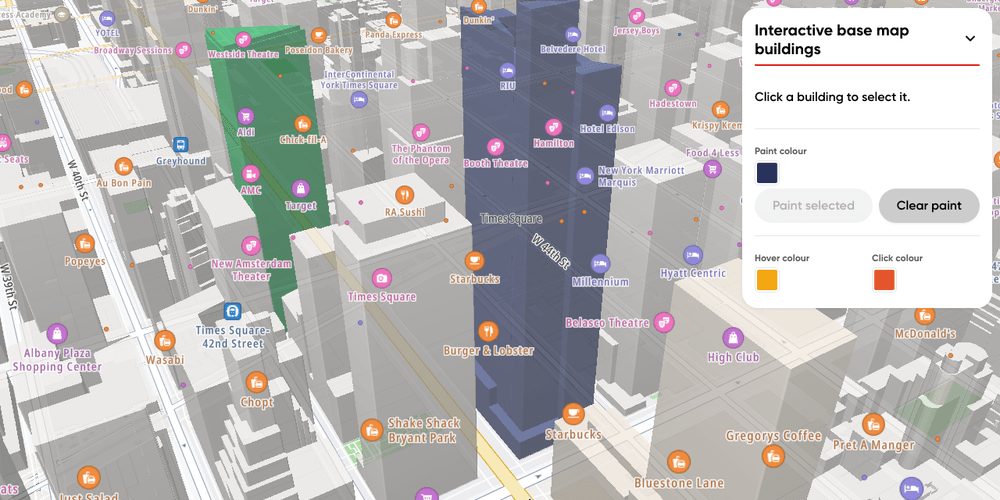
Interactive base map buildings
Hover, click and paint single 3D buildings of the base map in Midtown Manhattan
Customization
Base Map
User Interaction Events
Web
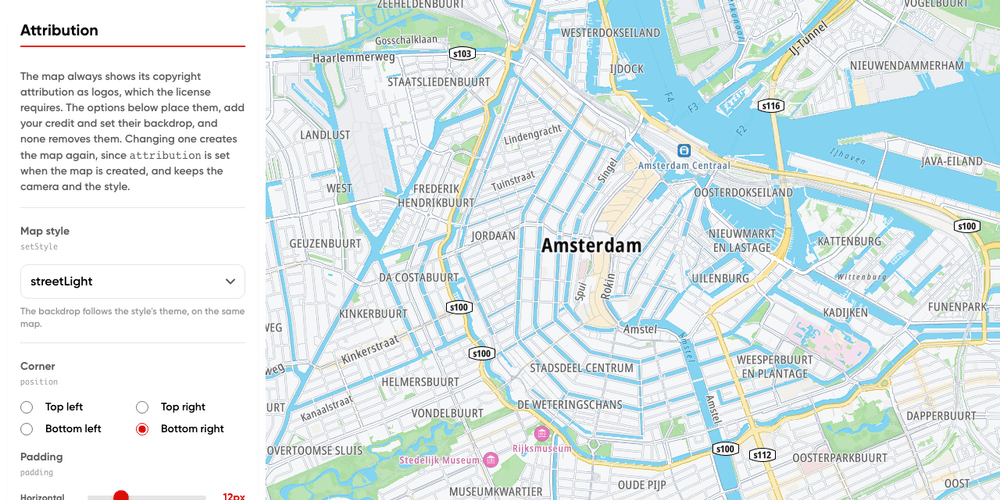
Attribution playground
The map's copyright logos in any corner, clear of your app's own panels, on every standard style
Playground
Base Map
Web
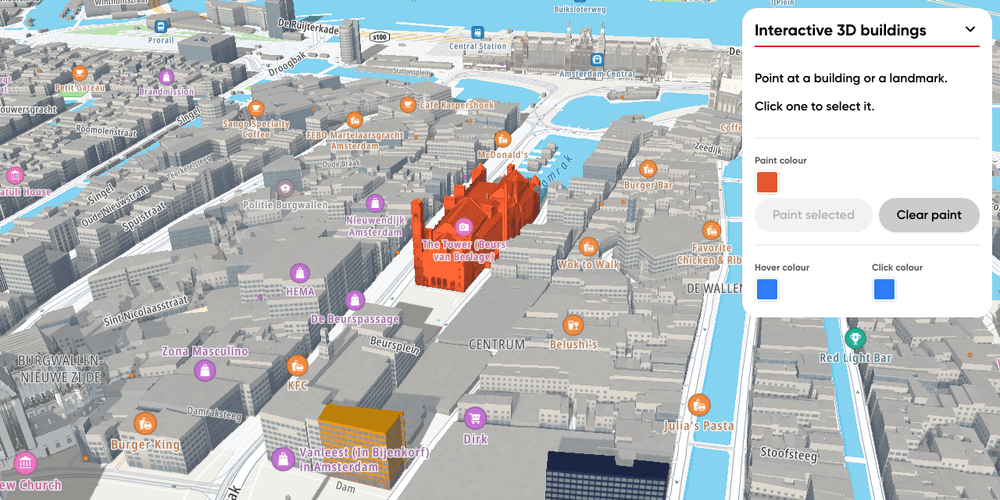
Interactive 3D buildings
Hover, click and paint single 3D buildings and landmarks in Amsterdam with the Landmarks 3D plugin
Customization
User Interaction Events
Terrain and 3D
Plugins
Web
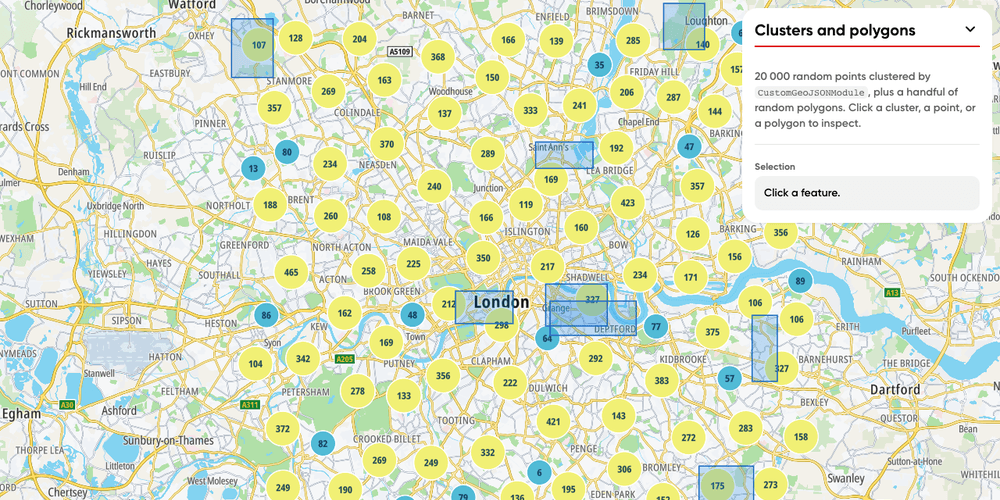
Bring Your Own Data: Clusters and Polygons
20k clustered random points and random polygons around London, rendered with the CustomGeoJSONModule. Both layers are clickable.
Customization
Bring Your Own Data
User Interaction Events
Web