
Back to all examples
Map colours
Recolour the whole base map with ten semantic colours in one call: every shade, outline and variant the style derived from one of them follows it
Pick a colour set from the panel, or set one of the ten colours by hand, and the map redraws under it.
setMapColorstakes any subset of the ten and re-derives every shade the style built from each one, by the style’s own offsets, so a set recolours the map rather than inverting it.- Each picker starts from
styling.get, which reads the colour in force off the loaded style, so the pickers follow a style switch with no colour table of their own. exportStylereturns the recoloured style as a MapLibreStyleSpecification, ready to store or diff.
Related examples
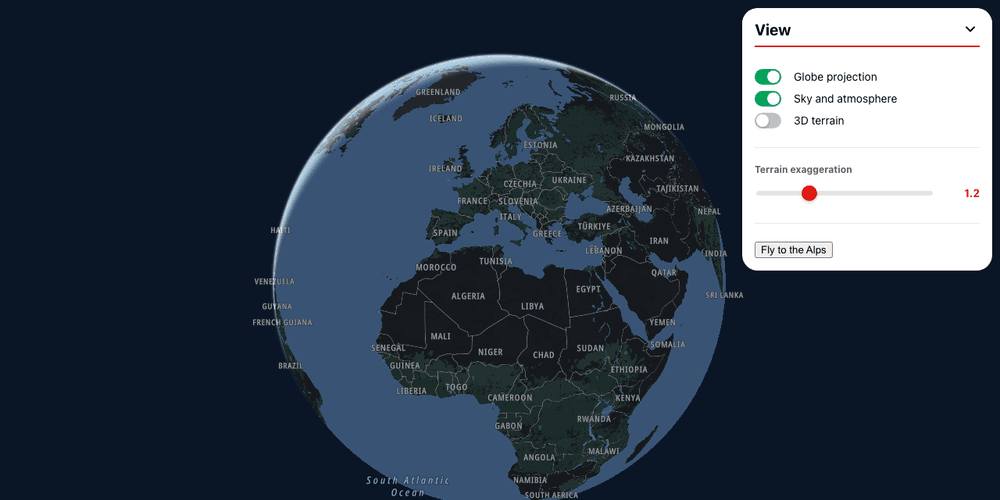
Globe and 3D terrain
Switch the map to a globe with an atmosphere with the styling foundations module's view knobs, or raise it in 3D with the terrain module
Customization
Map Style
Terrain and 3D
Web
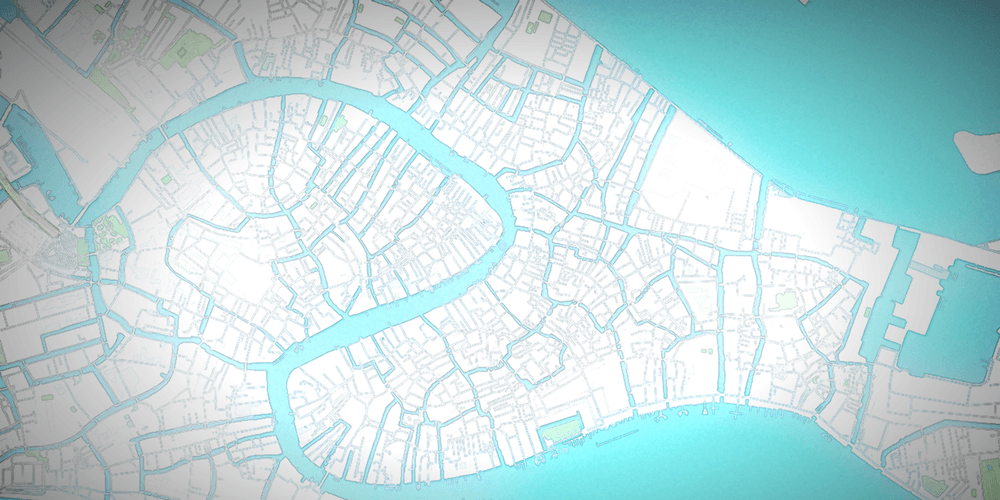
Mixed map effects
Paint the map in watercolour with your own shader, under the plugin's bloom, grade and vignette.
Customization
Map Style
Plugins
Web
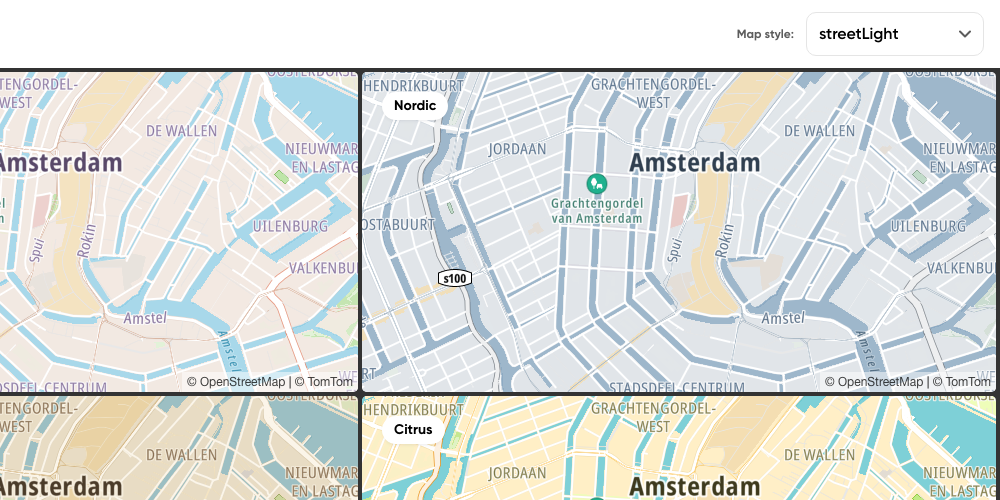
Multiple maps: four themes per style
Four maps of Amsterdam moving together, with four colour themes for each standard style, in a grid that fits any screen
Customization
Map Style
Web
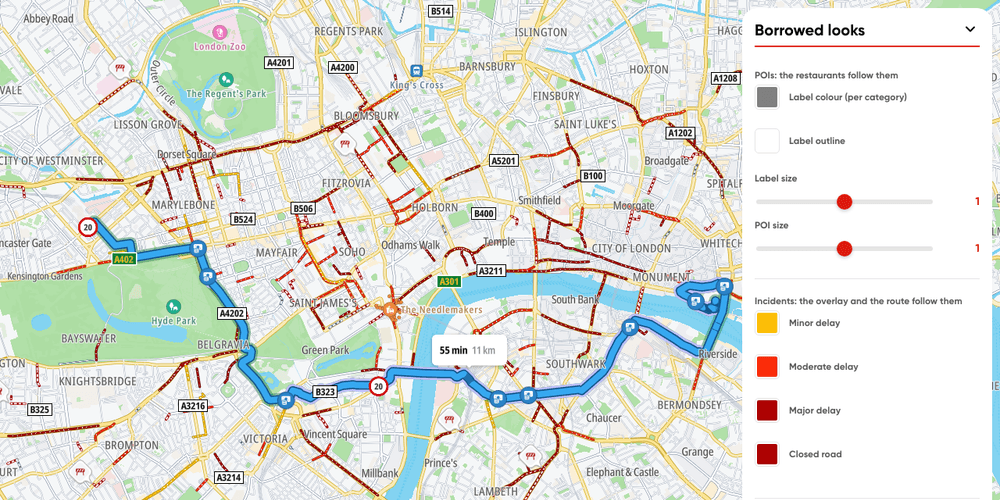
Borrowed looks
Places, a route and fetched traffic incidents drawn in the style's own look, following the styling knobs that restyle it, live
Customization
Map Style
Places and POIs
Routing
Traffic
Web