
Config playground
Interactive controls for map styling and layer management
The toggles turn traffic incidents, their icons, traffic flow, POIs and terrain shading on and off over one London map. The dropdown reloads all of it under another style.
- Every layer here belongs to a style-owned module reached with
get, which hands back one shared instance per map. setVisibleflips a whole module, andsetIconsVisiblesplits the incident icons from the incidents themselves so each is its own switch.setStylereloads the style while those modules keep their visibility, so the toggles mean the same thing after the switch.- Hovering a module’s toggle shows its setting’s description, read by the setting’s id (
visible,icons.visibleorhillshade.visible) from that module’s knob catalogue:poisKnobCatalogue,trafficFlowKnobCatalogue,trafficIncidentsKnobCatalogueorterrainKnobCatalogue.
Related examples
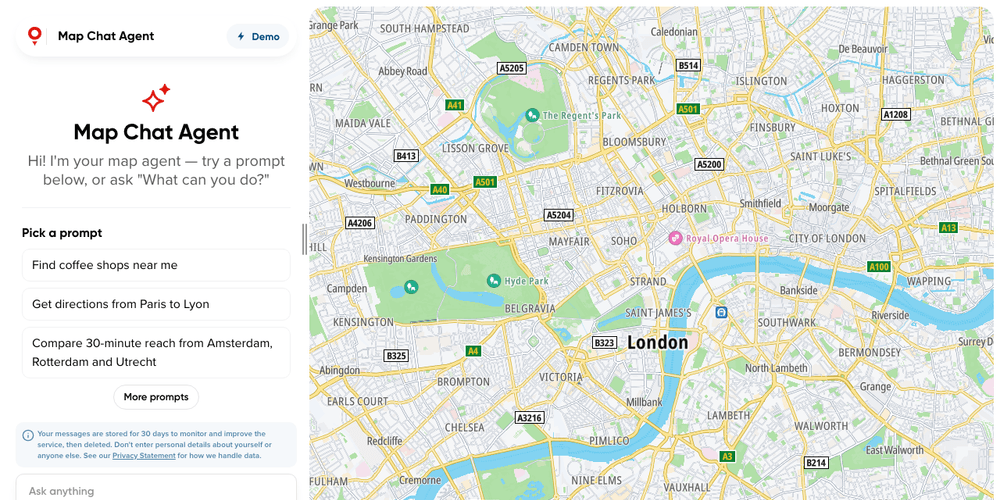
Map Chat Agent
Ask a chat beside the map for places, routes or traffic, and watch the map search, draw and frame the answer
Playground
AI
Search and Geocoding
Places and POIs
Map Style
Base Map
Geometry
Traffic
Routing
Plugins
Web
React
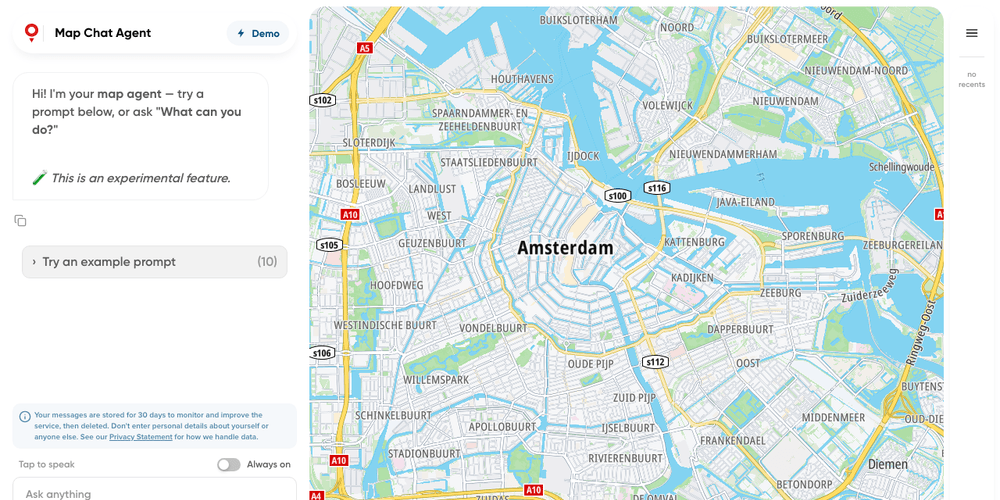
Map Chat Agent State Playground
A map chat whose every result lands in a side panel, where you can show, hide or drop it yourself
Playground
AI
Search and Geocoding
Places and POIs
Map Style
Base Map
Geometry
Traffic
Routing
Bring Your Own Data
Plugins
Web
React
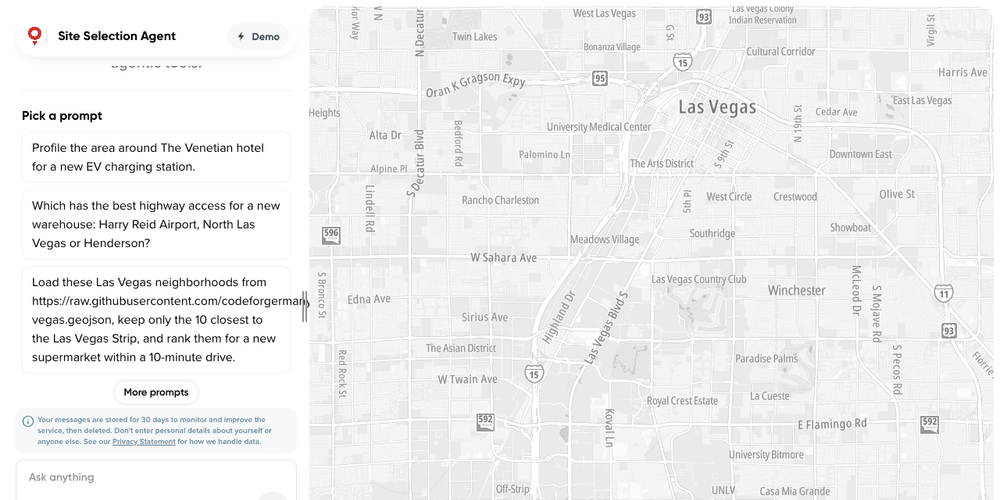
Site Selection Agent
A site selection agent on the TomTom Maps SDK Agent Toolkit: hand-picked default tools, custom analysis tools, its own persona and state slice
Playground
AI
Search and Geocoding
Places and POIs
Routing
Traffic
Map Style
Base Map
Plugins
Web
React
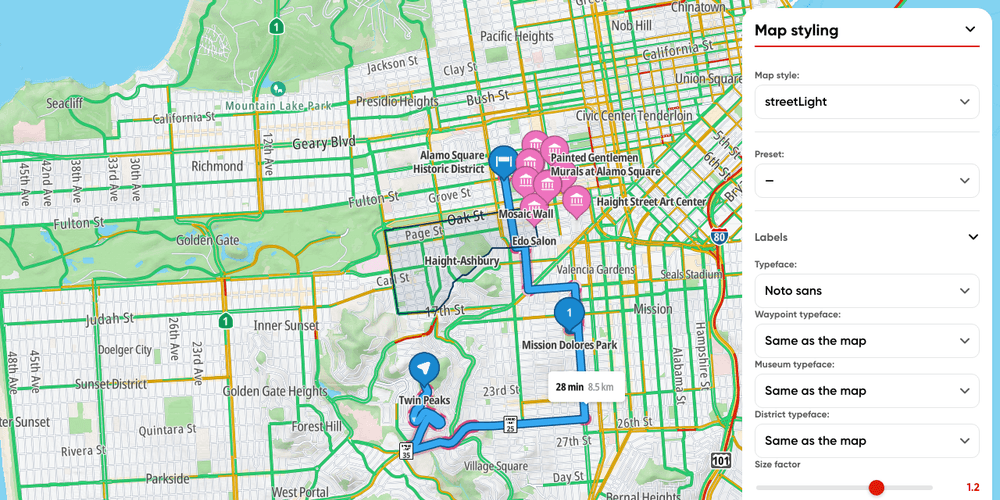
Map styling playground
Restyle the map from panels built off the knob catalogues of each module drawing it: sizes, the label typeface, road markings, hillshade, POI and traffic colours, map presets, and whole layer groups
Playground
Map Style
Base Map
Traffic
Web