
Back to all examples
Map theme from colours, an image or CSS
Theme the whole map from a few colours (a brand, an artist, a mood), an image's dominant colours or a website's stylesheet
Pick a palette, type colours or drop an image or a CSS file, and the whole map takes that theme, pins and route included.
- The Map Theme plugin’s
deriveMapColorsgives any handful of colours a map colour role each and derives the rest with readable labels. deriveMapColorsFromImageandderiveMapColorsFromCsspick those colours, taking an image’s dominant ones or a stylesheet’s most used.setMapColorsapplies them as knobs that survive a style switch, and sets the accent the area, pins and route draw in. The route’s summary bubble takes the theme’s label halo and label colours.mapColorsLightDarktells a dark theme from a light one, so a dark theme recoloursstreetDark.
Related examples
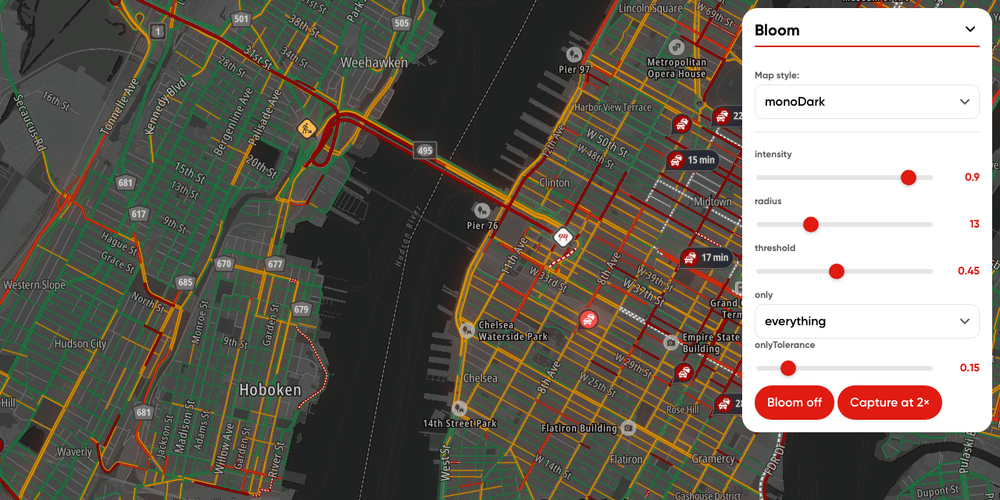
Bloom playground
Every bloom knob on one panel, including the scope that decides which part of the map is allowed to glow.
Playground
Traffic
Map Style
Plugins
Web

Map Chat Agent
Ask a chat beside the map for places, routes or traffic, and watch the map search, draw and frame the answer
Playground
AI
Search and Geocoding
Places and POIs
Map Style
Base Map
Geometry
Traffic
Routing
Plugins
Web
React

Map Chat Agent State Playground
A map chat whose every result lands in a side panel, where you can show, hide or drop it yourself
Playground
AI
Search and Geocoding
Places and POIs
Map Style
Base Map
Geometry
Traffic
Routing
Bring Your Own Data
Plugins
Web
React
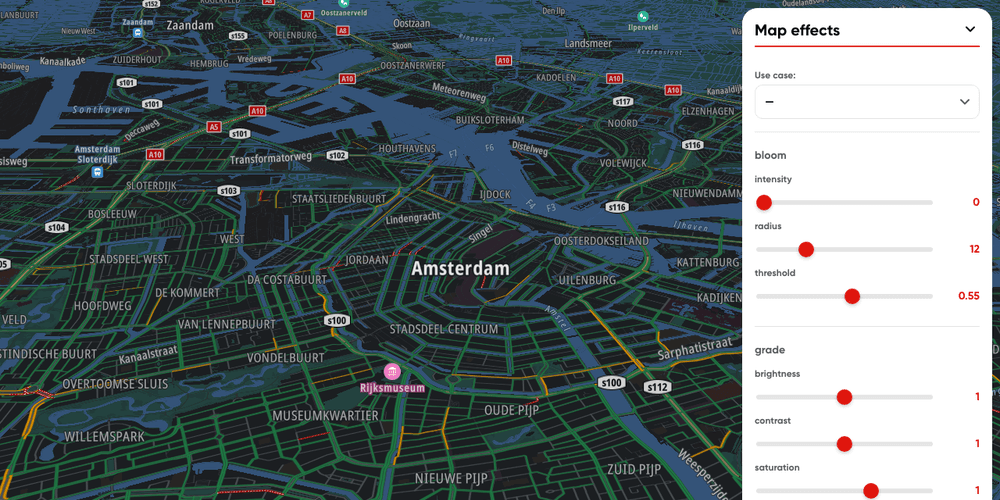
Map effects playground
Post-process the map with bloom, grade, tint, fog, edge blur, depth of field and vignette.
Playground
Map Style
Plugins
Web