
The toggles and the mode dropdown decide which POI categories the base map keeps drawing, either hiding the checked ones or showing only those. Click a POI to hide it, and Reset brings it back.
POIsModule.gethands back a controller over the POI layers the style already ships, so nothing is added to the map.filters.categories, given toupdateConfig, takes oneValuesFilter, a mode and a list of values, instead of hand-written layer filter expressions.- Group ids such as
FOOD_DRINKS_GROUPstand in for a whole family ofFilterablePOICategoryvalues, so leaf categories never need listing. filters.idshides the POIs you clicked by their id, and holds beside the categories filter. Both go in everyupdateConfigcall, since it replacesfilterswhole.
Related examples
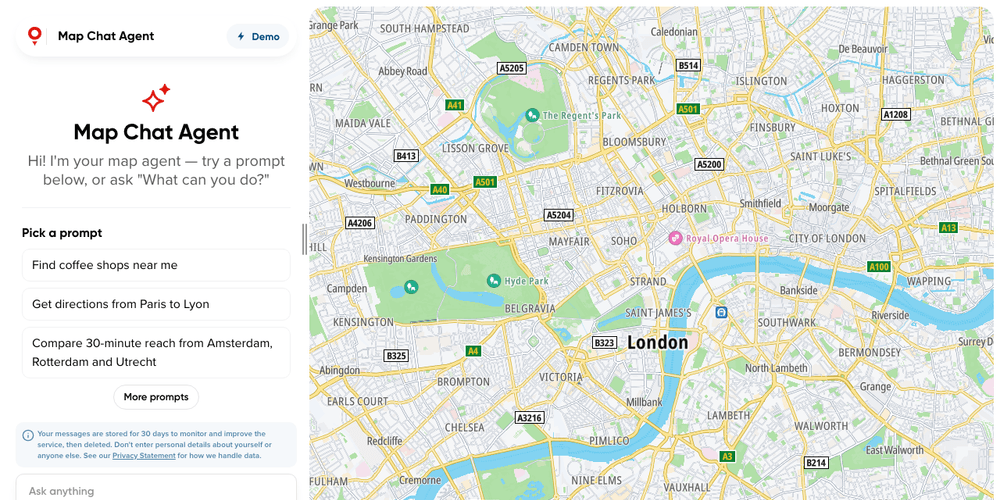
Map Chat Agent
Ask a chat beside the map for places, routes or traffic, and watch the map search, draw and frame the answer
Playground
AI
Search and Geocoding
Places and POIs
Map Style
Base Map
Geometry
Traffic
Routing
Plugins
Web
React
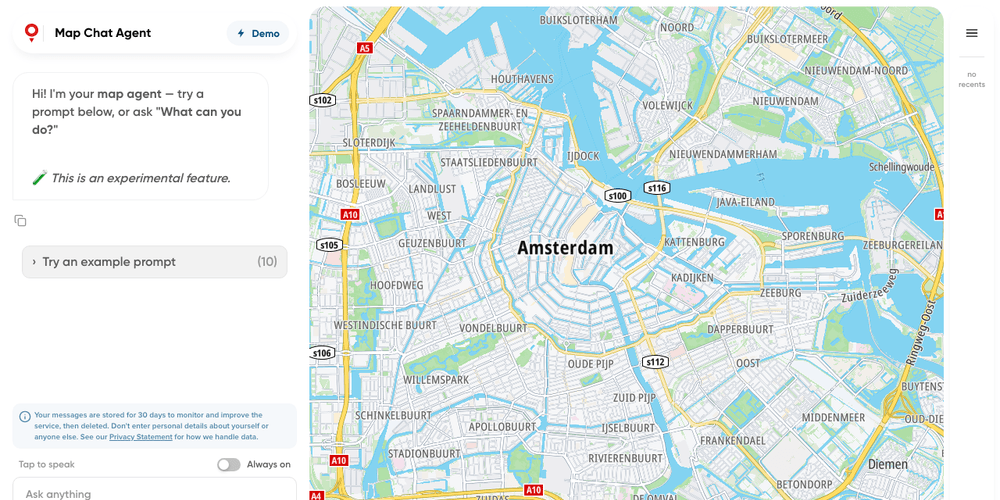
Map Chat Agent State Playground
A map chat whose every result lands in a side panel, where you can show, hide or drop it yourself
Playground
AI
Search and Geocoding
Places and POIs
Map Style
Base Map
Geometry
Traffic
Routing
Bring Your Own Data
Plugins
Web
React
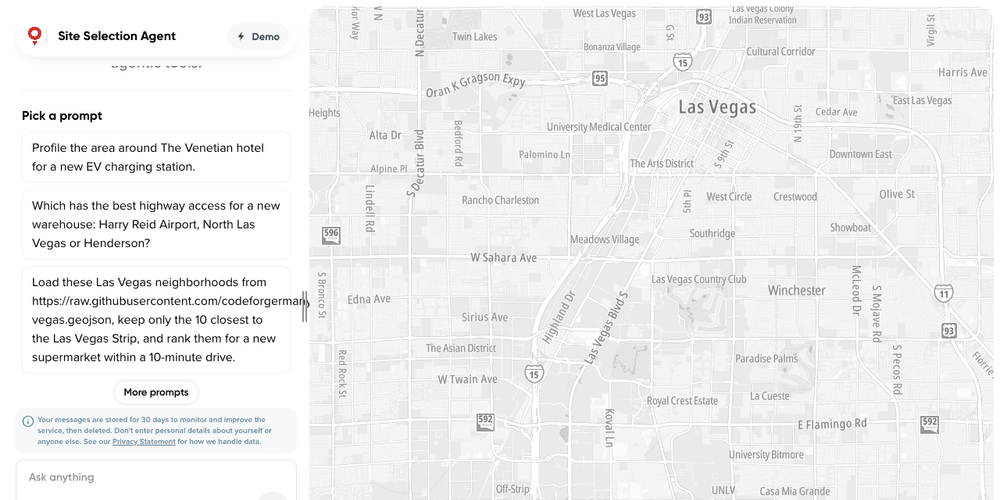
Site Selection Agent
A site selection agent on the TomTom Maps SDK Agent Toolkit: hand-picked default tools, custom analysis tools, its own persona and state slice
Playground
AI
Search and Geocoding
Places and POIs
Routing
Traffic
Map Style
Base Map
Plugins
Web
React
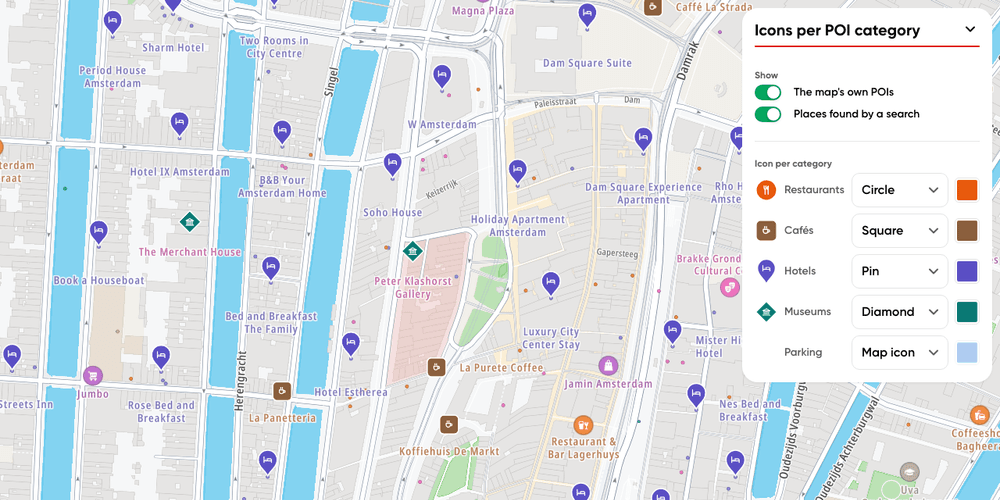
POI category icons playground
Pick a circle, square, diamond or pin, and its colour, per POI category, on the map's own POIs and on searched places alike
Playground
Places and POIs
Base Map
Web