
Route Style Playground
Interactively explore and customize route styling using its color, width and waypoint size, and layer overrides.
Move a knob and the London to Paris route repaints in place, from its colour to a white dashed line along its centre, clicked or not.
RoutingModule.createtakes the route and layer config up front, andapplyConfigswaps it on the drawn route, so nothing is recalculated and a clicksetEventStateput on it stays.- The top-level
colorandwidthPreset, andwaypoints.sizePreset, take a CSS colour and theRouteWidthandRouteWaypointSizepresets, so a size stays one token rather than a zoom curve. waypoints.label.colorrecolours the London and Paris labels. If you don’t set it, they follow the map’s light/dark theme like place labels do.widthFactor,waypoints.sizeFactorand the clicked outline’shighlight.outline.widthFactormultiply what they size, and the sliders span the ranges the module clamps them to.opacityfades the route lines and their outlines. Sections keep their own, so the opacity slider setssections.tollRoad.opacityandsections.tunnel.opacityalongside it.setSectionFocusrings the route’s toll roads, andhighlight.section.outlinesets the ring’s colour and width. If you don’t set the colour, it’s black on a light map and white on a dark one.layers.mainLines.additionalslots an extra MapLibre line into the route’s own stack, andSELECTED_ROUTE_FILTERconfines it to the selected route.setVisiblehides the route and its pins and keeps them, so showing them again needs no newshowRoutes.
Related examples

Add Stops to Route (Playground)
Dynamically add and remove intermediate stops on a route by clicking the map
Playground
Routing
Utilities
User Interaction Events
Web
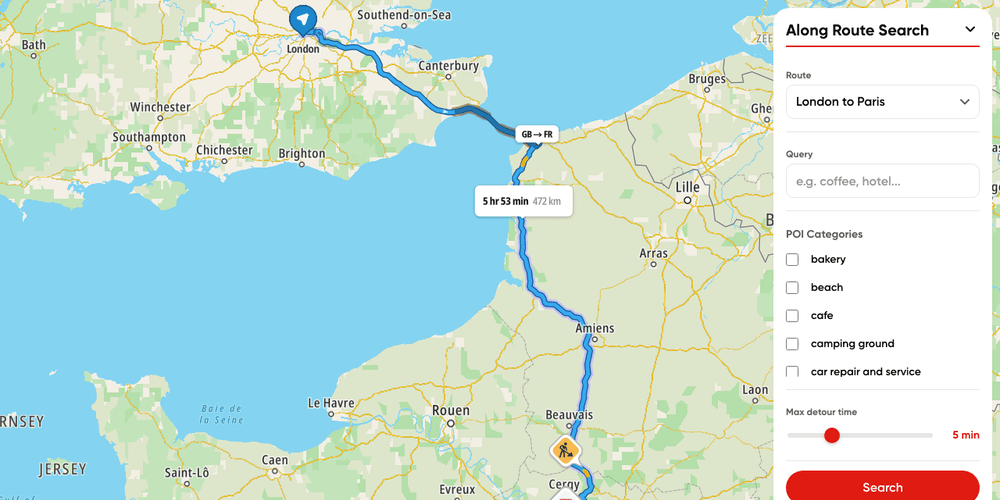
Along route search playground
Search along one of several drives by query or category, or only along chosen section types or a share of its length
Playground
Routing
Search and Geocoding
Web
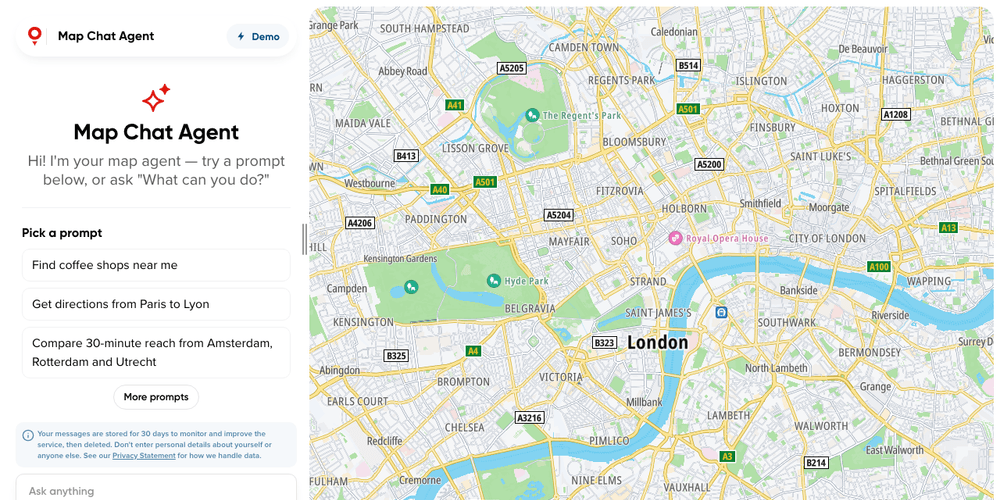
Map Chat Agent
Ask a chat beside the map for places, routes or traffic, and watch the map search, draw and frame the answer
Playground
AI
Search and Geocoding
Places and POIs
Map Style
Base Map
Geometry
Traffic
Routing
Plugins
Web
React
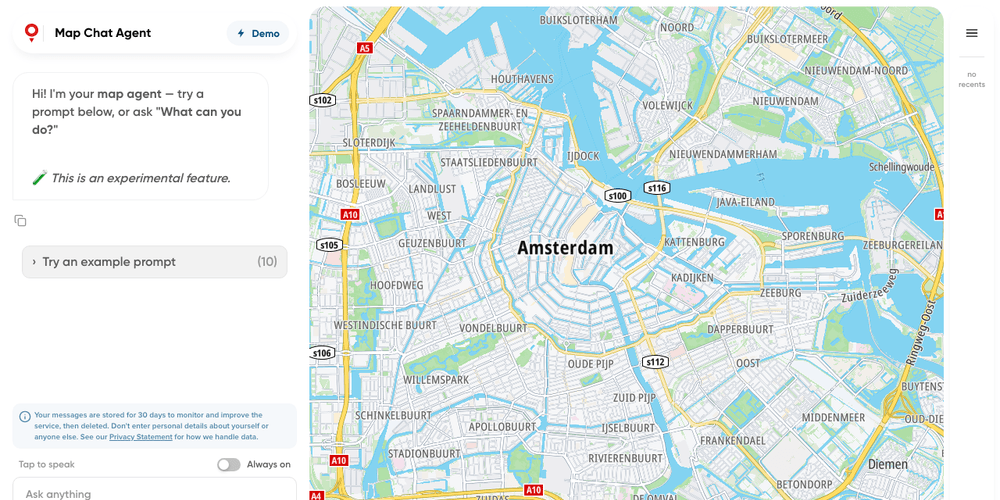
Map Chat Agent State Playground
A map chat whose every result lands in a side panel, where you can show, hide or drop it yourself
Playground
AI
Search and Geocoding
Places and POIs
Map Style
Base Map
Geometry
Traffic
Routing
Bring Your Own Data
Plugins
Web
React