
Introduction

The Navigation SDK helps you bring map visualization, location search and handling, and driver guidance to your iOS application with minimal effort.
It issues visual and audio turn-by-turn instructions and smartly handles events like deviations and traffic jams in the route ahead.
The Navigation SDK is available by request only. Reach out to us to begin your journey with it.
Contact SalesGetting started
Configure your project to start using the Navigation SDK and build your first navigation application with it.
Project setup Building a navigation appKey features
The Navigation SDK offers key features to help you every step of the way.
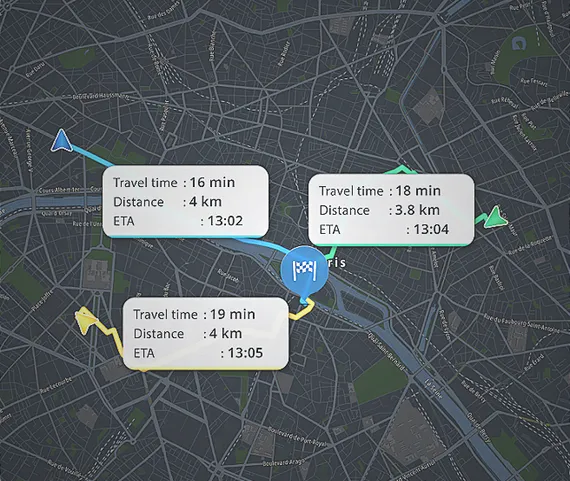
Turn by turn
Provide visual and audio instructions along a route and handle various events like route deviations and destination arrivals.
View guide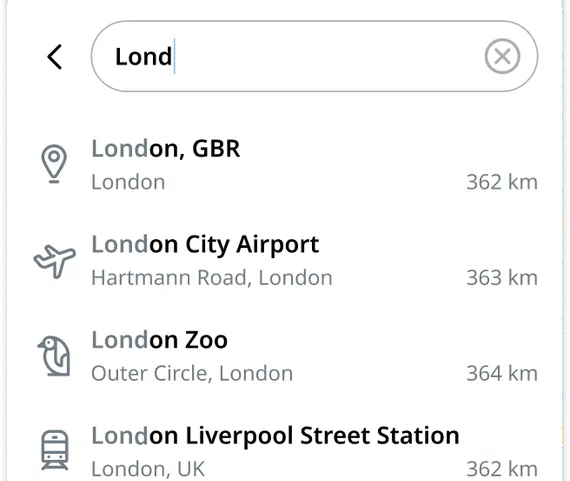
Search
Add search functionality to your application, enable autocomplete results, and bring your own POIs into the search process.
View guide
Vehicle restrictions
Enable the display of low-emission zones and restrictions based on a user-defined vehicle profile, like trucks, buses, or non-low-emissions vehicles.
View guide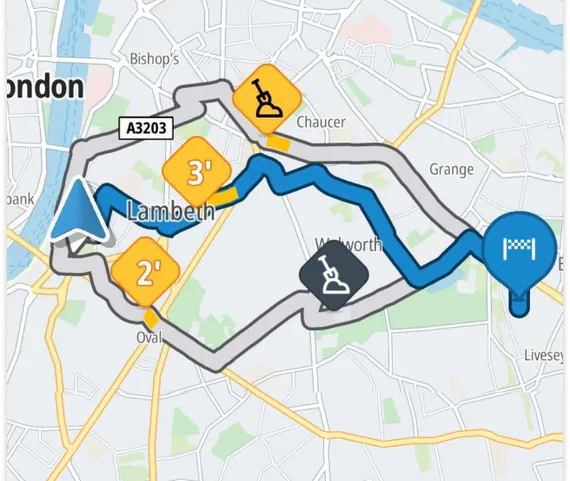
Traffic
Enable traffic incidents on a route along with your guidance, and detail the various incident types like traffic jams, roadworks, and closed roads.
View guide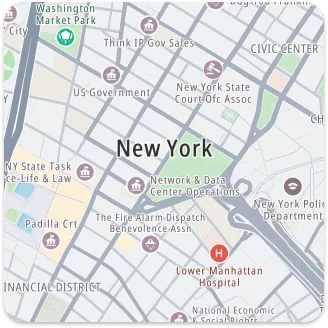
Offline maps
Allow users to search for destinations, plan routes, and navigate even without a network connection.
View guideCode samples
TomTom provides a helpful set of individual projects showcasing features for the Navigation SDK.
TomTom iOS Navigation SDK code samples