
Back to all examples
Feature Event States
Triangles coloured by their event state (hovered, long-hovered, recently hovered, clicked), with sliders for the long-hover delay and the recently hovered period.
A triangle turns blue under the pointer, violet once the pointer rests on it and light blue after it leaves, so a sweep leaves a trail. A clicked one stays red until another is clicked or an arrow key moves it.
events.triangles.on('click', …)makes the source interactive, and the SDK writes each feature’s state toproperties.eventState. Onematchinfill-colorthen colours them all.recently-hoveredlastshoverGracePeriodMSafter the pointer leaves.updateEventsConfigapplies both sliders to the running map from the next hover on.getEventStatesreads the clicked triangle andsetEventStateclicks its neighbour, in the pointer’s colours.
Related examples

Add Stops to Route (Playground)
Dynamically add and remove intermediate stops on a route by clicking the map
Playground
Routing
Utilities
User Interaction Events
Web

Bring Your Own Data: Clusters and Polygons
20k clustered random points and random polygons around London, rendered with the CustomGeoJSONModule. Both layers are clickable.
Customization
Bring Your Own Data
User Interaction Events
Web

Bring Your Own Data: GeoJSON Heatmap with Custom Module
Render a custom GeoJSON heatmap and labeled symbol layer with the CustomGeoJSONModule, with style-change restore, hover and click events.
Customization
Bring Your Own Data
User Interaction Events
Web
Delivery zones of your own
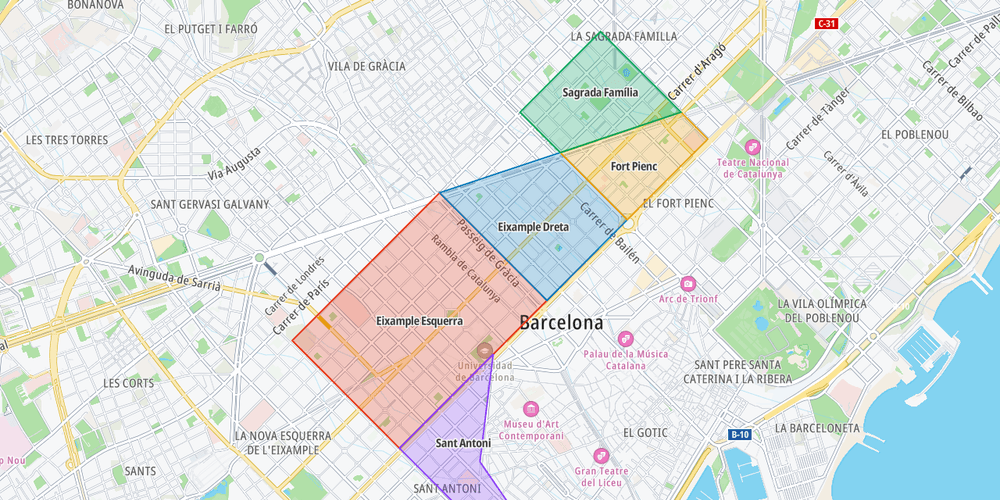
Show your own GeoJSON polygons and respond to clicks on them
Customization
Bring Your Own Data
Geometry
User Interaction Events
Web