
Calculate map bounds that exclude surrounding UI panels
Display the visible map center and bounds excluding surrounding UI panels, so they don't overlap
The shaded rectangle is the slice of map no panel covers, with an X at its centre, recomputed as the map moves or the window resizes. The toolbar stops short of the map’s edges, and it still cuts the slice from the top, the side that leaves the most map visible.
calculatePaddedBBoxtakes the panel elements themselves and returns geographic bounds, so the overlay’s pixel geometry is never yours to measure.calculatePaddedCentergives the point to centre on when panels make the container’s middle the wrong target.polygonFromBBoxturns either result into drawable GeoJSON.
Related examples

Add Stops to Route
Find stops along a route within a one-minute detour and insert them all at optimal positions in a single call.
Getting Started
Routing
Search and Geocoding
Electric Vehicles
Utilities
Web
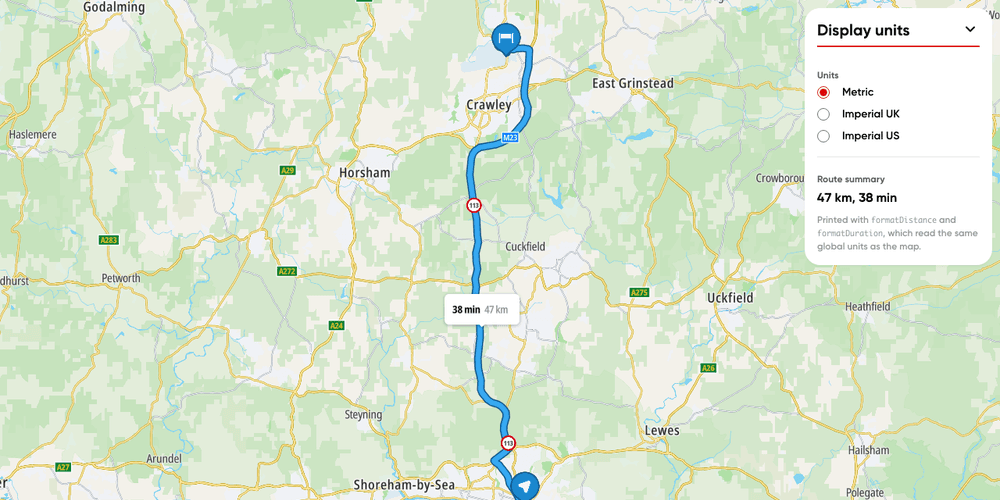
Display units
Switch a route's labels and your own text between metric, imperial UK and imperial US units.
Getting Started
Utilities
Routing
Web

Ensure a bounding box is visible between UI panels
Expand the map view to contain a specified bounding box while accounting for surrounding UI panels
Getting Started
Utilities
Web
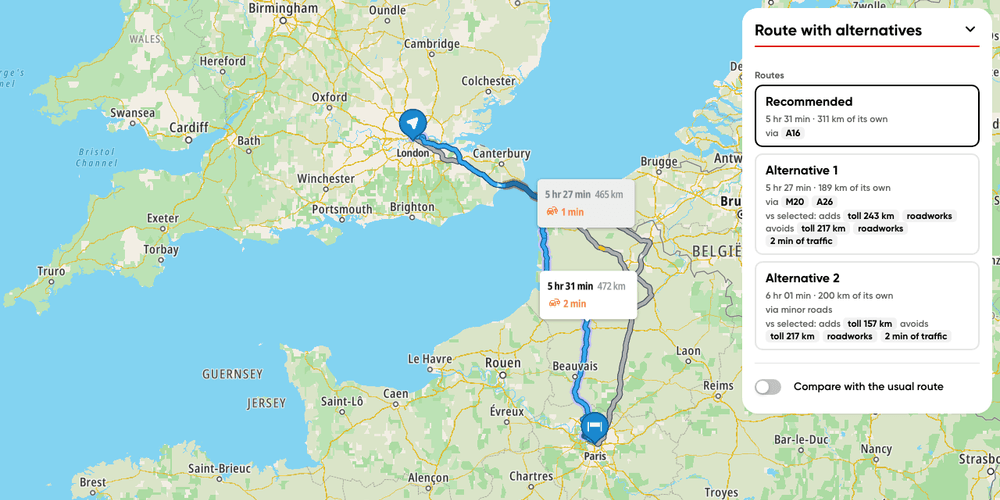
Route with alternatives
Display route alternatives and what sets each one apart
Getting Started
Routing
User Interaction Events
Utilities
Web