
Ensure a bounding box is visible between UI panels
Expand the map view to contain a specified bounding box while accounting for surrounding UI panels
The blue box always lands whole in the gap the panels leave, because the map is fitted to the larger red box drawn around it.
calculateFittingBBoxreturns that larger box from the one you want seen plus the panel elements, sofitBoundstakes its result unchanged.surroundingElementsare the panels’ selectors, not pixel padding, so moving or resizing a panel needs no numbers updated.polygonFromBBoxdraws both boxes, keeping the difference between what you asked for and what the map fits on screen.
Related examples

Add Stops to Route
Find stops along a route within a one-minute detour and insert them all at optimal positions in a single call.
Getting Started
Routing
Search and Geocoding
Electric Vehicles
Utilities
Web
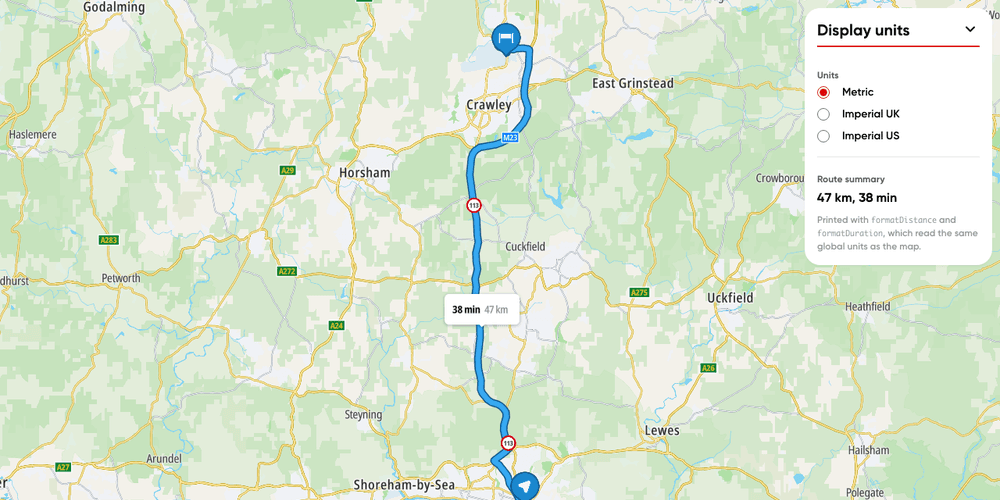
Display units
Switch a route's labels and your own text between metric, imperial UK and imperial US units.
Getting Started
Utilities
Routing
Web
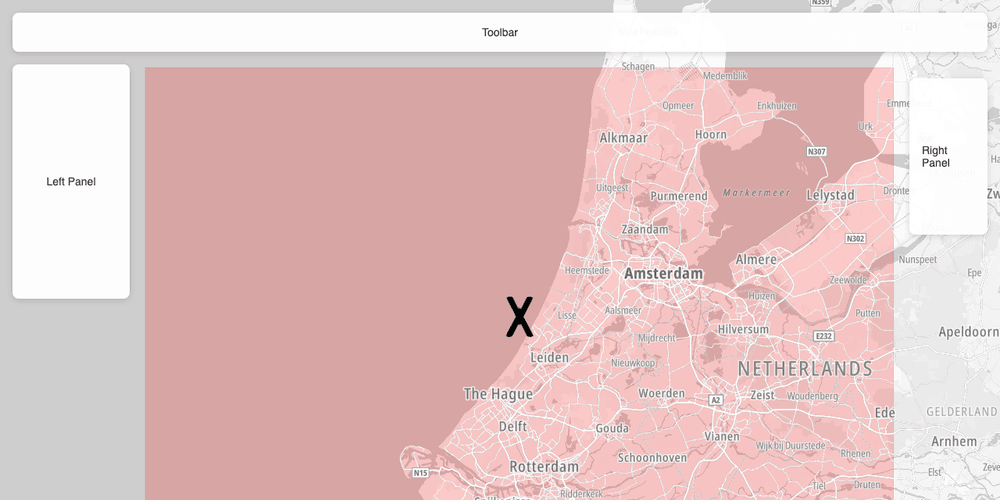
Calculate map bounds that exclude surrounding UI panels
Display the visible map center and bounds excluding surrounding UI panels, so they don't overlap
Getting Started
Utilities
Web
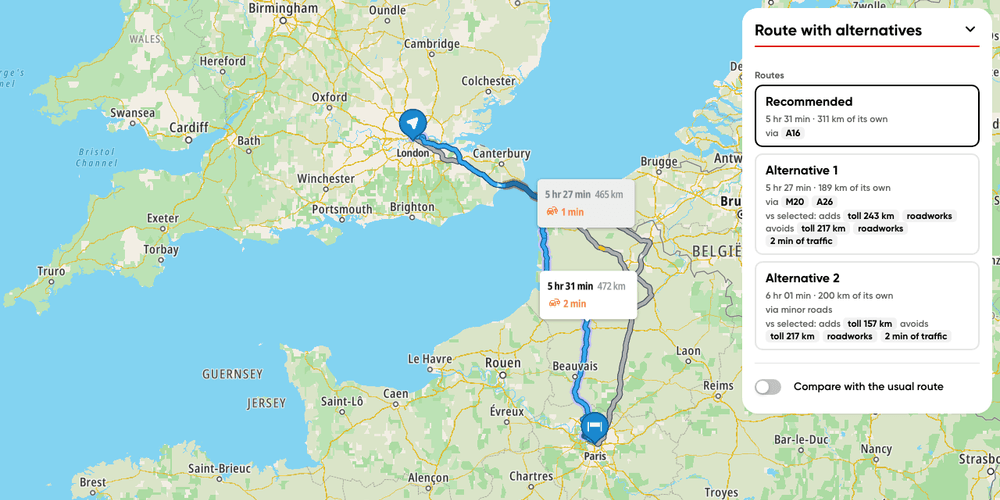
Route with alternatives
Display route alternatives and what sets each one apart
Getting Started
Routing
User Interaction Events
Utilities
Web