
Reset state when changing style
Switch styles, and choose whether the SDK module state comes along (resetState)
A route, its waypoints, place pins, filtered POIs and incidents share one map. Switch style with the box ticked and they go. Leave it clear and they stay drawn, taking on the new style’s look.
setStyletakes{ resetState }as its second argument. If it’s false, the modules carry their layers and data onto the new style. If it’s true, they start clean.RoutingModule.showRoutes,showWaypointsandPlacesModule.showare each given their service response once, never again across style switches.- The
filtershanded toPOIsModule.getandTrafficIncidentsModule.getcome along too, so the new style is filtered the same way.
Related examples

Add Stops to Route
Find stops along a route within a one-minute detour and insert them all at optimal positions in a single call.
Getting Started
Routing
Search and Geocoding
Electric Vehicles
Utilities
Web

Along route search
Find the beaches and viewpoints within a one-minute detour of a coastal drive
Getting Started
Routing
Search and Geocoding
Web
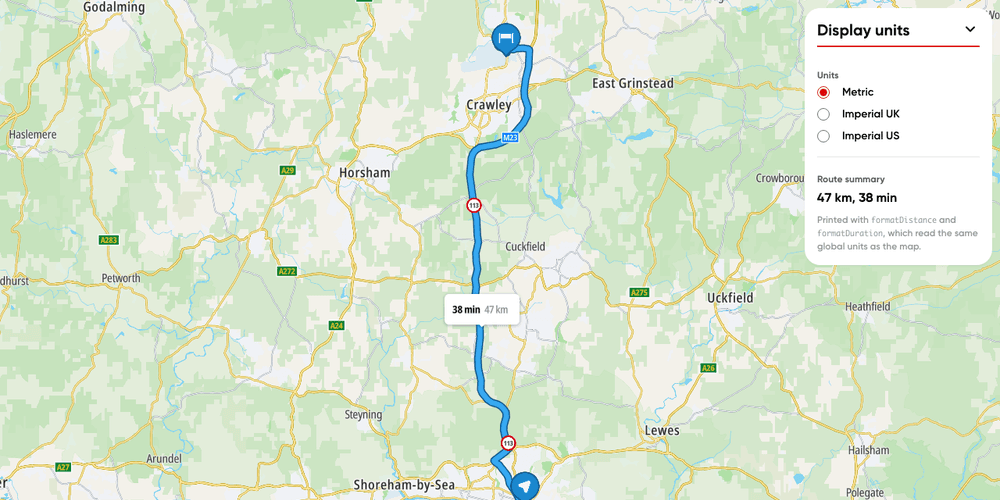
Display units
Switch a route's labels and your own text between metric, imperial UK and imperial US units.
Getting Started
Utilities
Routing
Web

Hillshade map
Display a hillshade map
Getting Started
Map Style
Terrain and 3D
Web