
Back to all examples
Multiple maps: 3D landmarks of one kind
Four famous towers, cathedrals, stadiums or monuments in 3D, one per map, in a grid that fits any screen
Pick a kind of landmark and all four maps move to their next one, each seen in 3D from the side.
- Each map has its own
new Landmarks3D(map), which streams the models for that map’s view. ItsBaseMapModuleshows thebuildings3Dgroup, hidden in most standard styles, so the base map’s 3D buildings stand around them. - The camera aims at the landmark’s mid-height through MapLibre’s
elevationoption, withcenterClampedToGround: false, so a tall tower stands in the middle of its map rather than running off the top. - A new kind reuses the same four maps, since a browser caps how many WebGL contexts one page can
hold. A
resizehandler fits the zoom to the map’s new size whenever the grid reflows, from two columns to four or to one.
Related examples
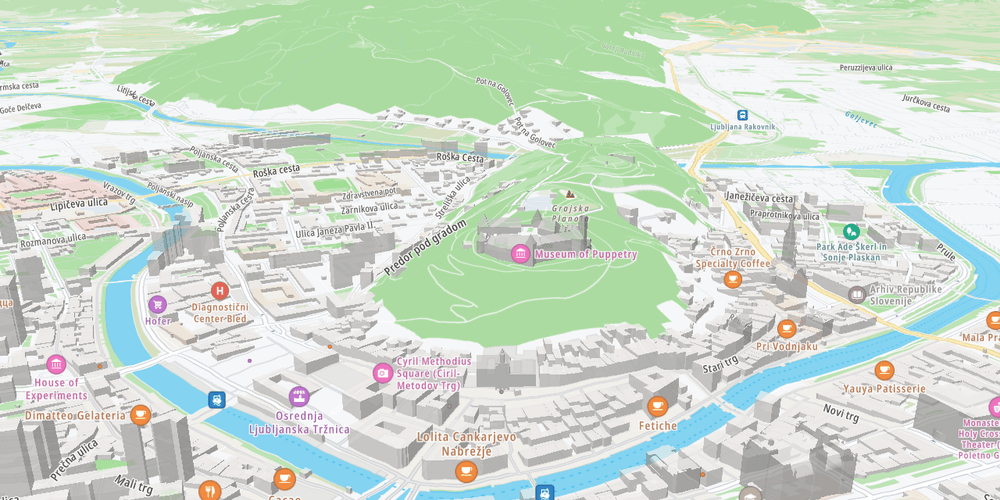
3D terrain map
Render the map surface in 3D using terrain elevation data
Getting Started
Terrain and 3D
Plugins
Web
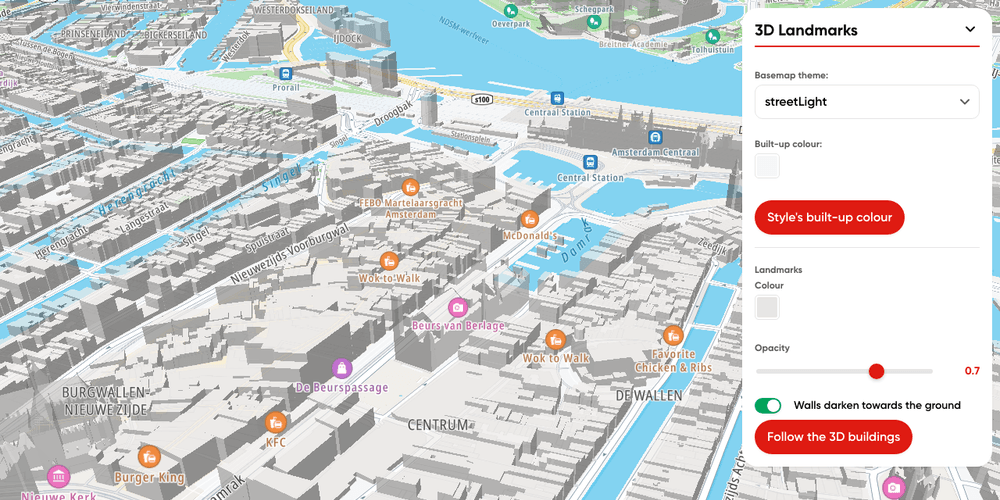
3D Landmarks plugin
Render TomTom Orbis 3D Landmarks on a TomTomMap with the Landmarks 3D plugin
Getting Started
Terrain and 3D
Plugins
Web

Hillshade map
Display a hillshade map
Getting Started
Map Style
Terrain and 3D
Web
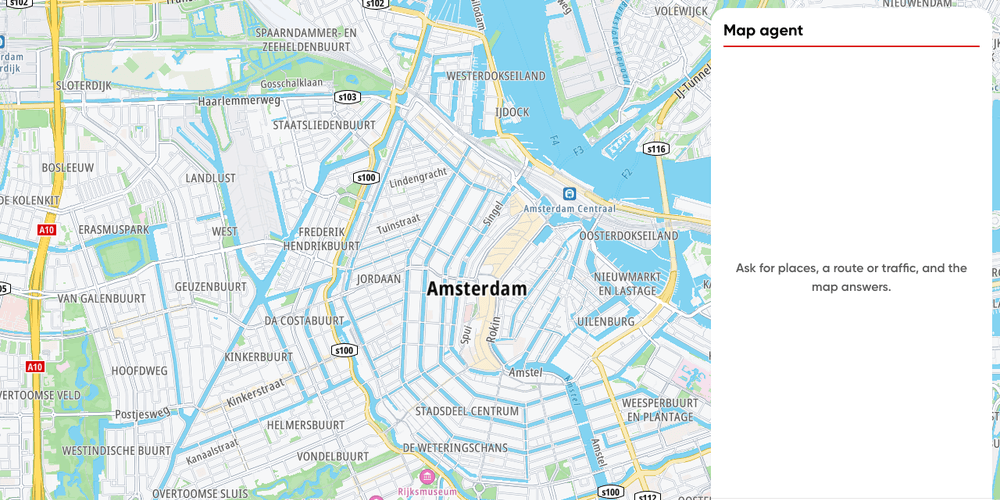
Minimal map agent
The smallest conversational map agent: a map, a chat box and the Agent Toolkit, in plain TypeScript
Getting Started
AI
Plugins
Web