
Back to all examples
3D terrain map
Render the map surface in 3D using terrain elevation data
Ljubljana Castle crowns its hill above the old town and the river, and the castle and the buildings below stand on the slopes rather than floating above them.
TerrainModule.getraises the surface and shades it in one call, adding the elevation source to the style when it lacks one.BaseMapModule.setVisibleturns on the style’s own 3D buildings, which follow the terrain with no extra work.new Landmarks3D(map)lowers each landmark onto the terrain under its footprint, and shades it like the buildings around it.
Related examples
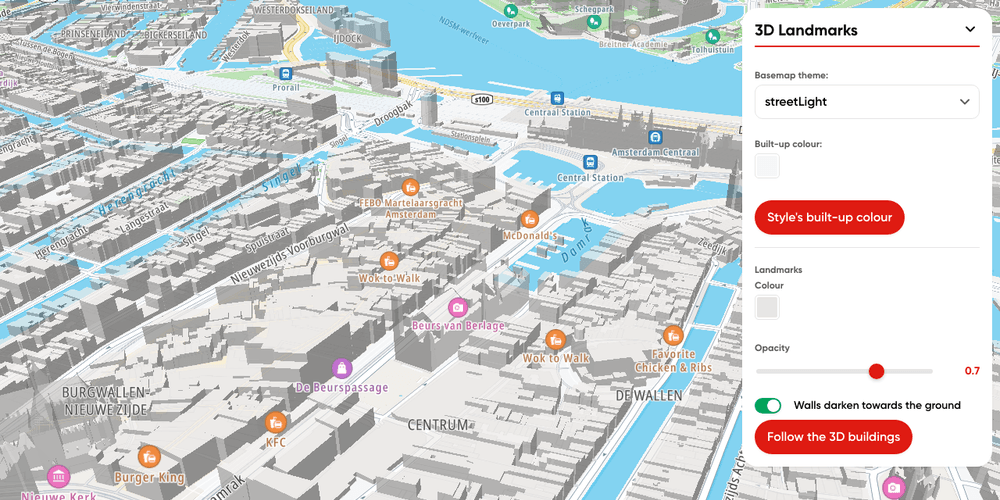
3D Landmarks plugin
Render TomTom Orbis 3D Landmarks on a TomTomMap with the Landmarks 3D plugin
Getting Started
Terrain and 3D
Plugins
Web
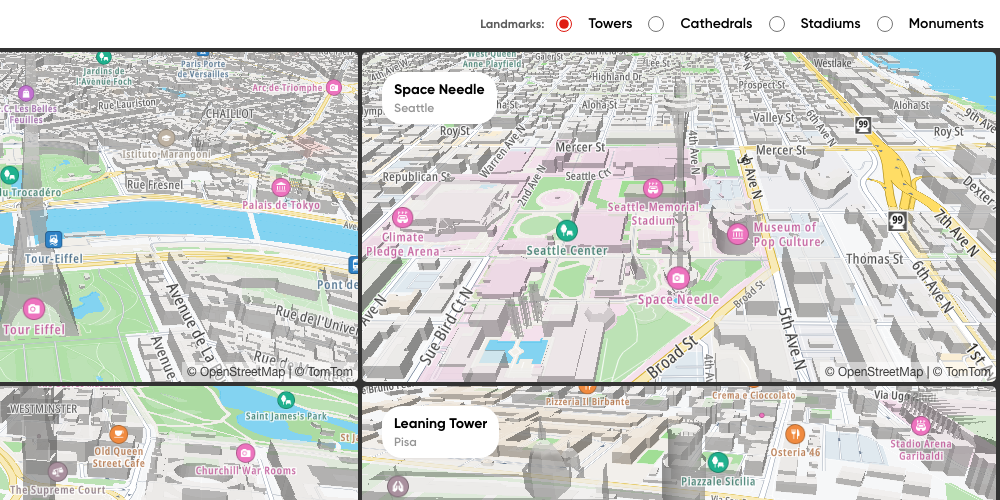
Multiple maps: 3D landmarks of one kind
Four famous towers, cathedrals, stadiums or monuments in 3D, one per map, in a grid that fits any screen
Getting Started
Terrain and 3D
Plugins
Web

Hillshade map
Display a hillshade map
Getting Started
Map Style
Terrain and 3D
Web
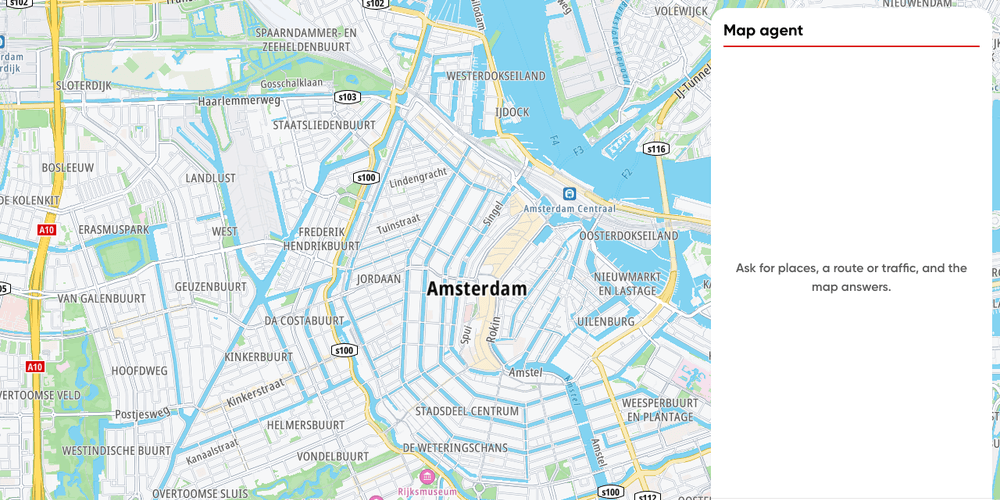
Minimal map agent
The smallest conversational map agent: a map, a chat box and the Agent Toolkit, in plain TypeScript
Getting Started
AI
Plugins
Web