
Back to all examples
Themed map
Open the map in your own colours and typeface: a warm Lisbon palette from the very first frame, with no flash of the default style, and every label in Fraunces
Lisbon opens in limestone, Atlantic blue and terracotta, already themed on the first frame the map draws, with its labels set in Fraunces.
StylingFoundationsModule.getresolves once the style has loaded and before it is drawn, and colours set ahead of that first frame land at once rather than fading in from the default palette.setMapColorstakes ten semantic colours and re-derives every outline, tunnel and road class the style built from each, by the style’s own offsets.- A
labels.customTypefacesets every label in an open-source font, from files the map downloads itself.
Related examples

Hillshade map
Display a hillshade map
Getting Started
Map Style
Terrain and 3D
Web

Map Style Switcher
Switch between different standard map styles
Getting Started
Map Style
Web
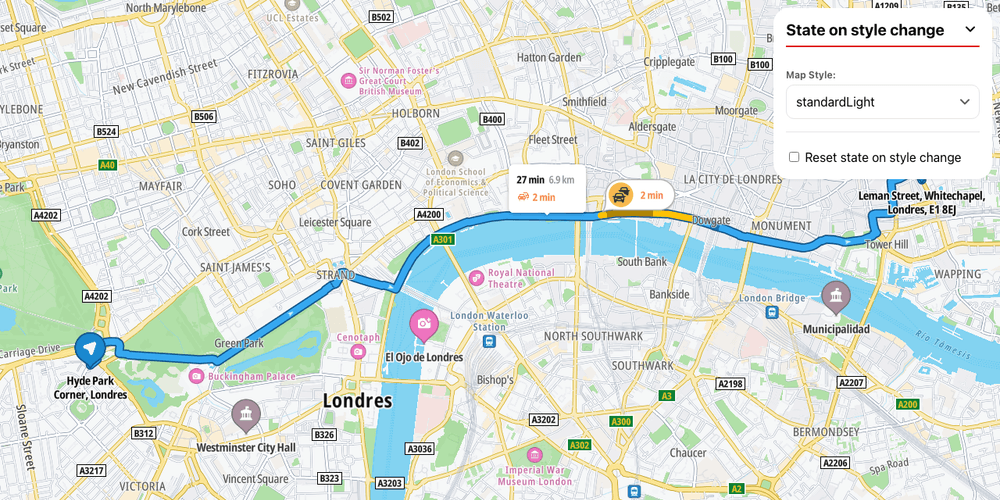
Reset state when changing style
Switch styles, and choose whether the SDK module state comes along (resetState)
Getting Started
Map Style
Routing
Web
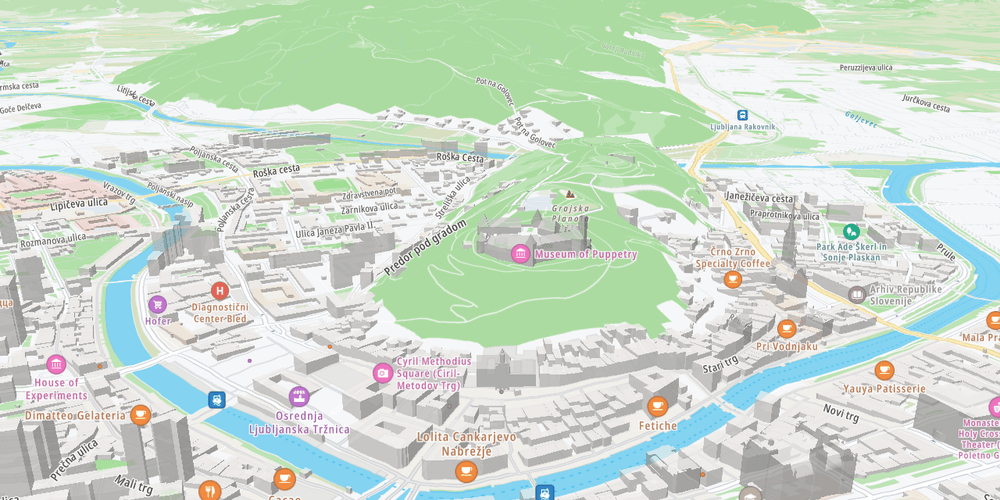
3D terrain map
Render the map surface in 3D using terrain elevation data
Getting Started
Terrain and 3D
Plugins
Web