
Choose the SDK target and map display renderer
Use this guide to choose the correct platform target, SDK version range, and map display renderer when you create a style in Map Maker.
Choose a platform target
Choose whether to target TomTom Maps & Navigation SDK for Android.
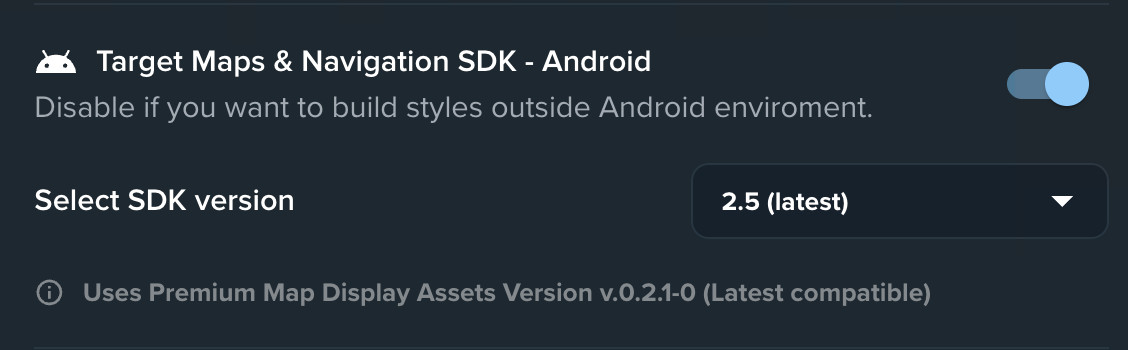
| Target Maps & Navigation SDK - Android | Use when | Available options |
|---|---|---|
| On | You are creating a style for TomTom Maps & Navigation SDK for Android, including the Automotive Navigation App and you want to style SDK Modules. | Select an SDK version range, such as 2.5.x. Map Maker uses the latest map style version compatible with that range. You can also choose Standard Map Display or Premium Map Display. See: Which map display renderer am I using?. |
| Off | You are not targeting Android SDK. | You can select only Standard Map Display. This option is suitable for MapLibre GL JS, but compatibility with TomTom SDKs is not guaranteed. |
Which map display renderer am I using?
Starting with TomTom Maps & Navigation SDK version 2.5.x, Premium Map Display is the default renderer.
To check which renderer your Android project uses, inspect the dependencies in build.gradle.kts:
- Standard Map Display uses
map-display-compose-standard. - Premium Map Display uses
map-display-compose-premium.