
Premium Map Display properties
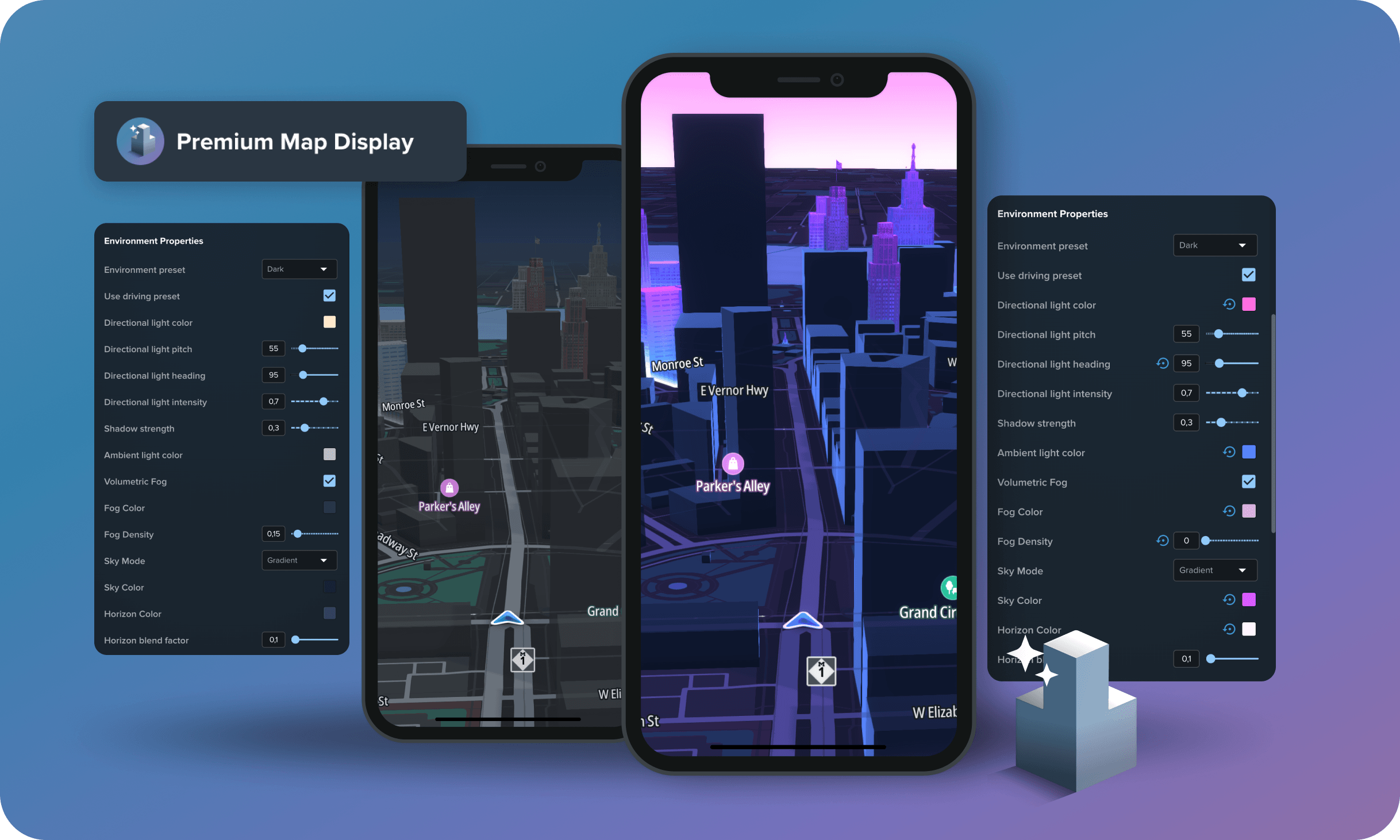
Premium Map Display (PMD) properties are style properties that only take effect in an app running the Premium Map Display renderer. They control visual effects that the Map Maker web editor cannot render.
Map Maker exposes two kinds of style properties:
- Regular style properties used to customize the map. They are reflected directly in the Map Maker editor, so you see changes as you make them.
- Premium Map Display properties — advanced properties that are only visible in an app using the Premium Map Display renderer. These include environment and lighting settings, for example, directional light color, pitch, and intensity, fog, shadows, 3D landmarks, anti-occlusion, and lane-level visualization.
Identifying Premium Map Display properties
PMD properties are grouped into their own Premium Map Display sections so you can tell them apart from standard properties. Each of these sections shows an information banner reminding you that the changes can only be previewed by loading the style in an app with Premium Map Display.
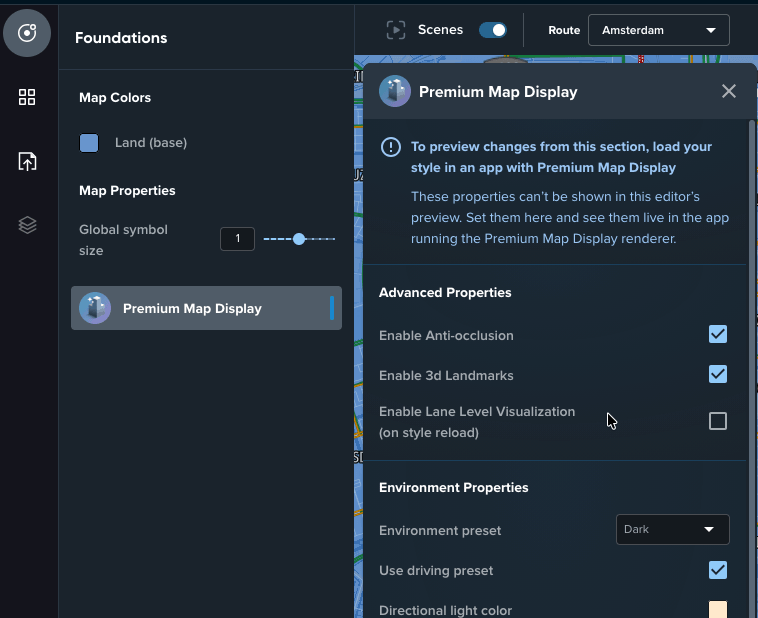
In the Foundations tab
In the Foundations tab, PMD properties appear in a dedicated Premium Map Display panel.
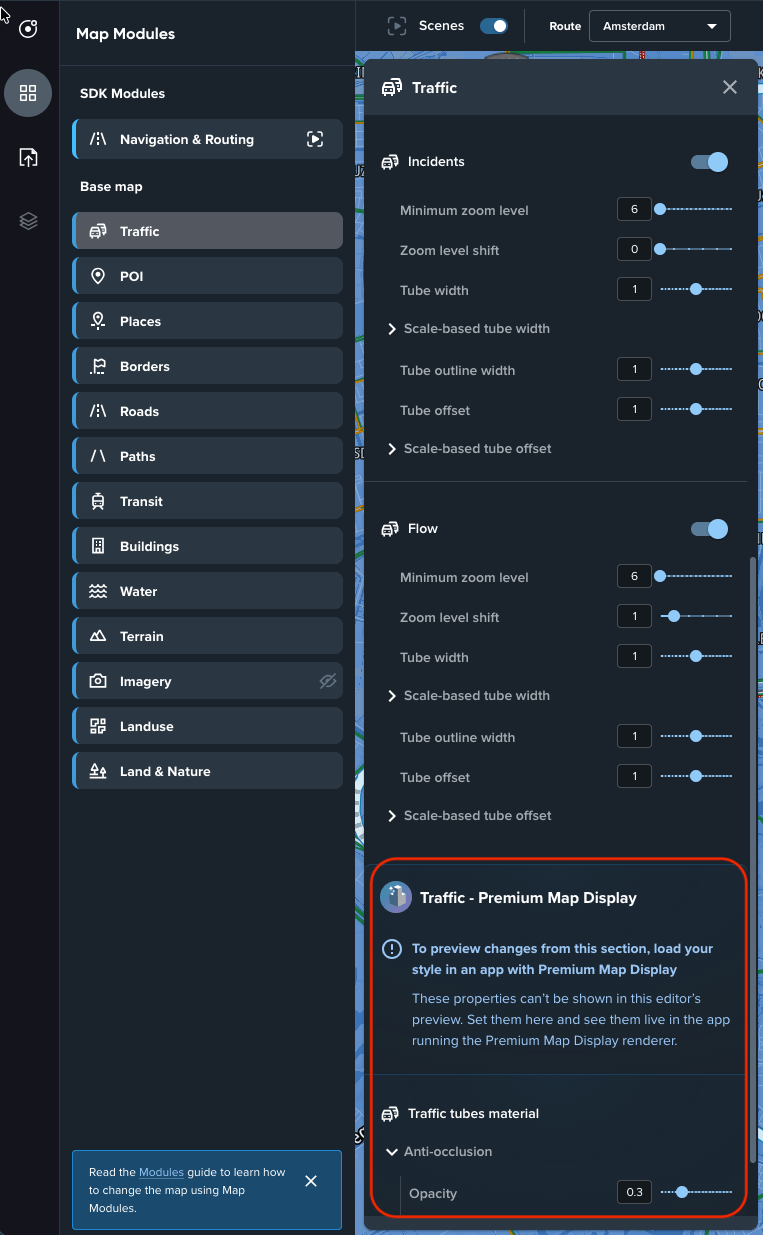
In the Modules tab
In the Modules tab, a module can contain dedicated Premium Map Display properties (for example, a Traffic - Premium Map Display section inside the Traffic module).
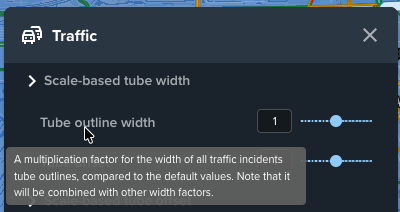
Hovering over a module property shows a tooltip with the property description, which helps you understand what the property changes.
Previewing Premium Map Display properties
Changes to PMD properties are not visible in the Map Maker preview. To see them, load your style in an app running the Premium Map Display renderer.
- Android — see Customizing a style for Compose or Customizing a style for Views in the Maps SDK for Android.
- iOS — see Customizing a style in the Maps SDK for iOS.