Component tokens

Introduction
Component tokens define the visual properties of UI elements in the navigation application. Rather than documenting every individual token, this page provides an overview of the customizable properties available across components.
Token categories
Component tokens are organized into different property types:
- Color
- Surface
- Stroke
- Content (Icon/text)
- Size
- Height
- Width
- Padding
- Border width
- Icon size
- Spacing
- Vertical / Horizontal
- Item Spacing
- Radius
- Typography
- Font Weight
- Font Size
- Effects
- Shadow color (System level only)
- Opacity
- Gradient
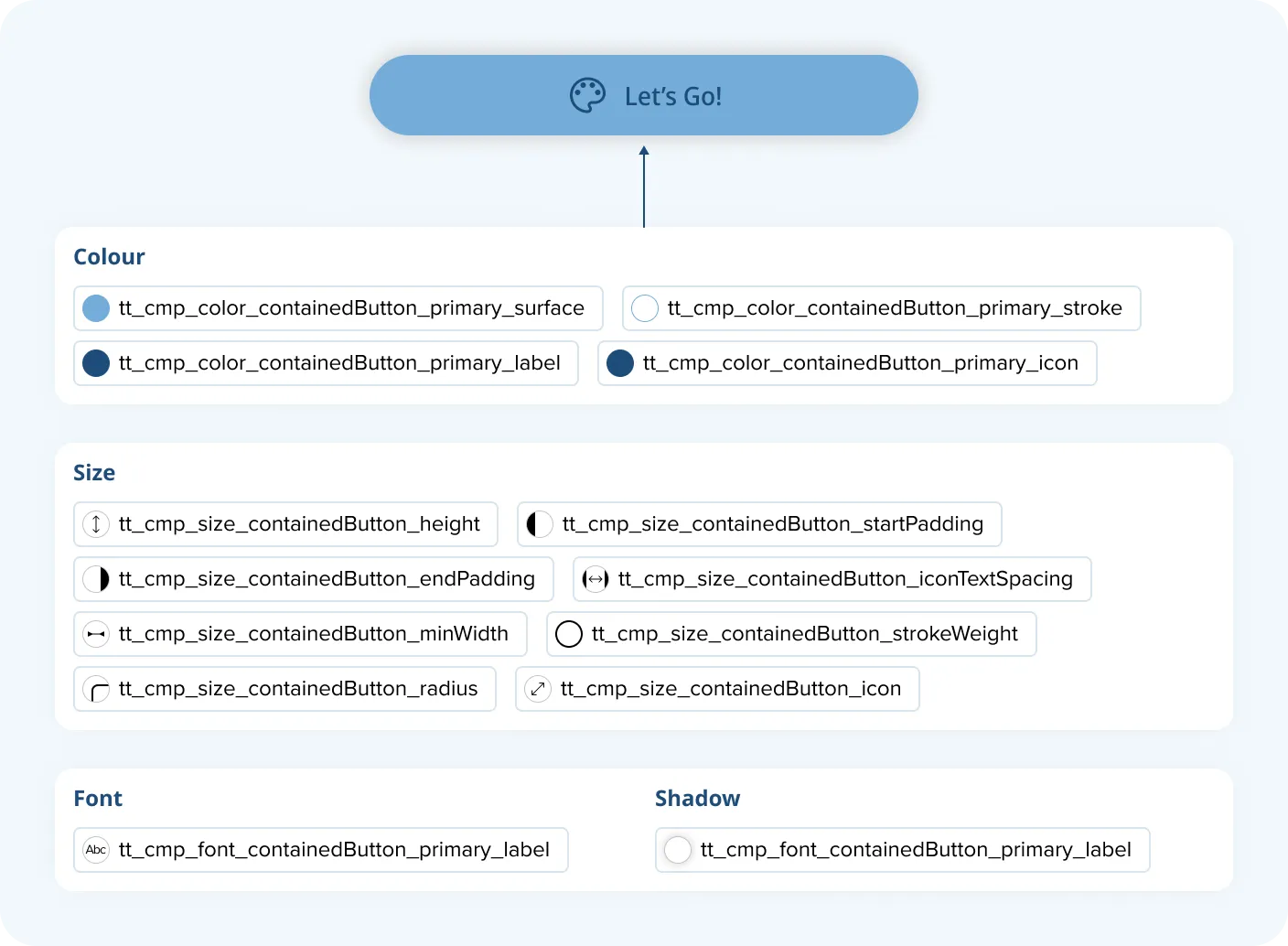
Example: Button
Every UI element has a set of configurable tokenized properties assigend. For the button it looks like the following: