
Corner radius

Introduction
Radius values are assigned to the corners of a container or element within a component. The radius token is a single value that is applied to all four corners.
Radius sizes
To allow for variation in the UI, the system layer has a range of radius sizes to choose from. For more information about the size tokens, look up the documentation here.
Examples
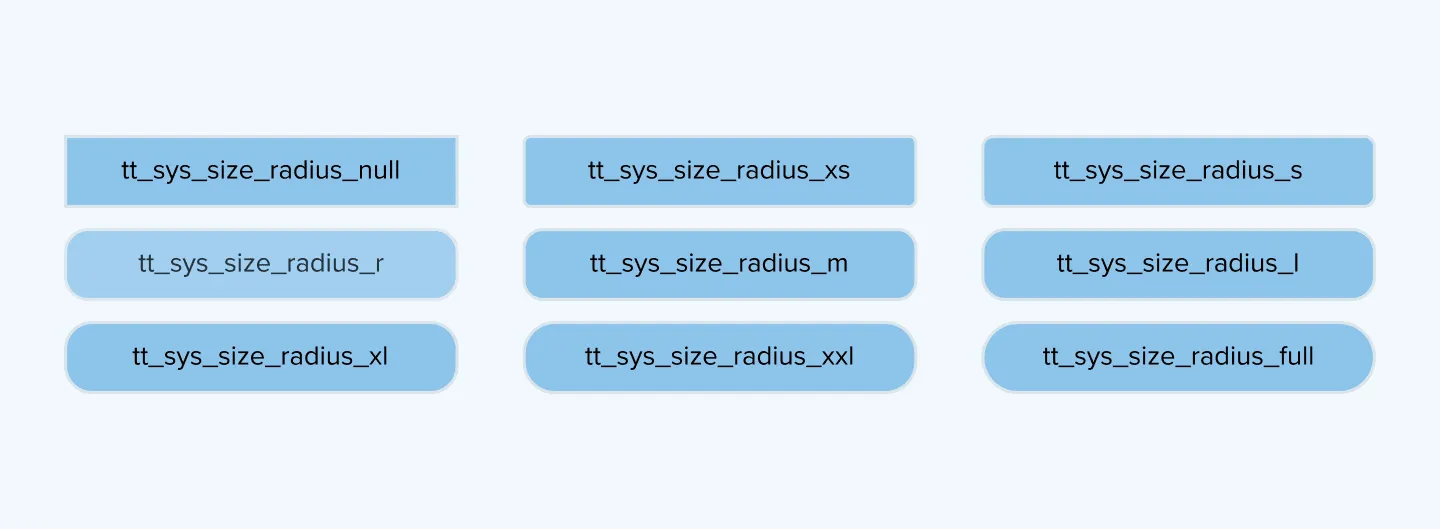
- Null. Sets the radius to
0. - xs–xxl. A range of values increasing in size. They can be adjusted.
- Full. Sets the corner radius to
100%. Regardless of the object size, the radius will always be full.