Cluster
Request accessOverview
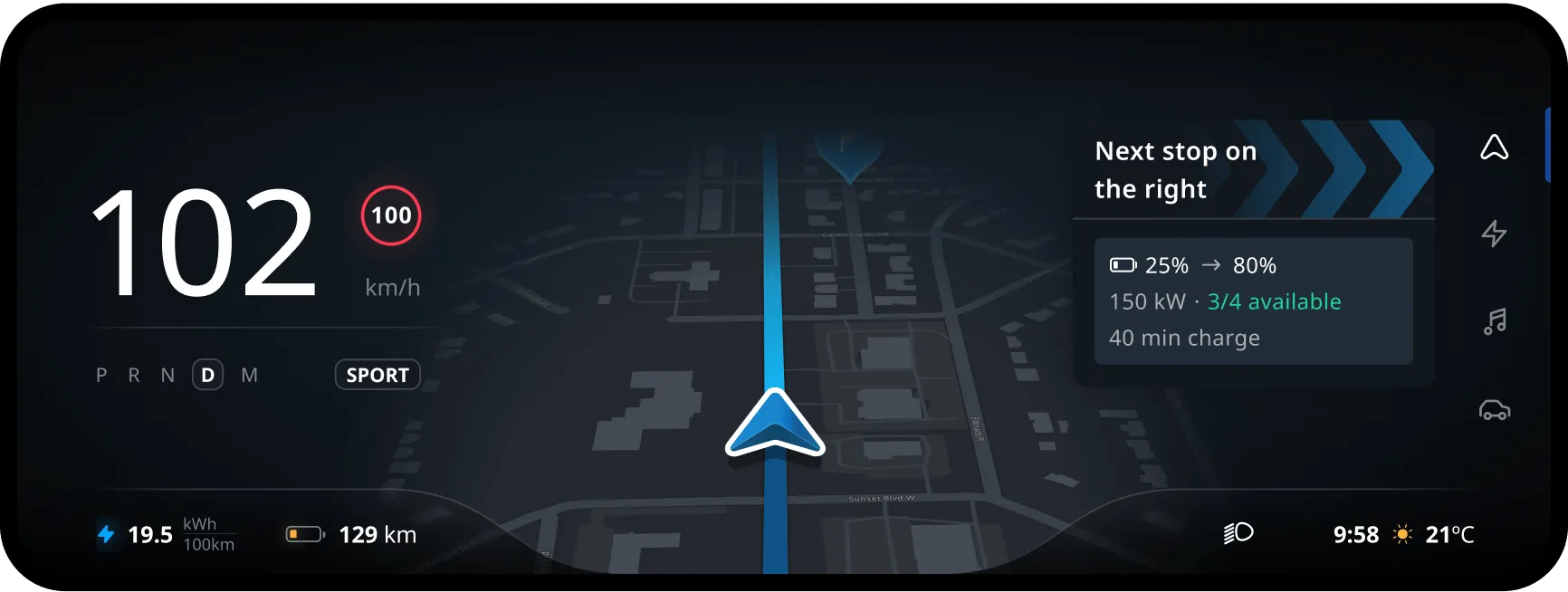
The cluster is part of a multi-display cockpit. The main goal of the cluster is to anticipate.
It provides a glanceable, simplified, and easy-to-read view of your surroundings, as well as what you need for the near future.
Driving with guidance
As the main part of the cluster navigation, drivers will be able to drive around with the horizon panel, with the most important navigation information distributed across the screen:
- Essential guidance information (NIP)
- Lane guidance (SLG)
- Consecutive maneuver (CMP)
- Upcoming events (UEP)
- Estimated time of arrival (ETA)
- Plus some essential vehicle information (speed, fuel range, consumption…)
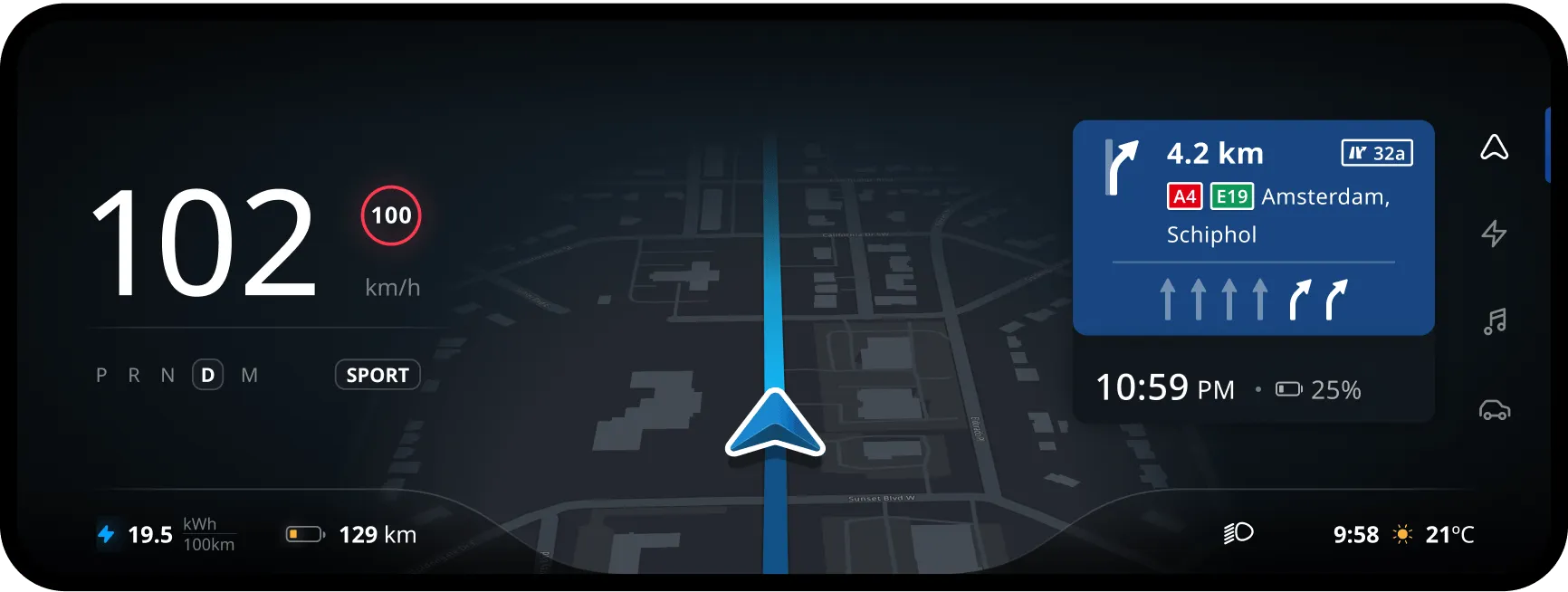
…with a different list of priorities
Just like in the head unit, the information is shown based on the priority and urgency of that information. However, in the cluster, information relevant to the near future is prioritized.
Depending on the context and the size of the container, ETA might be covered by CMP, or even UEP. Here are the priorities:
- Next instruction panel — main instruction
- Upcoming event — warnings
- Junction view — default (APAC only)
- Next instruction panel — lane guidance
- Next instruction panel — consecutive maneuver
- Tollgate — default (APAC only)
- Upcoming event — approaching
- Upcoming event — continuous
- ETA panel — default
- Upcoming event — early warning
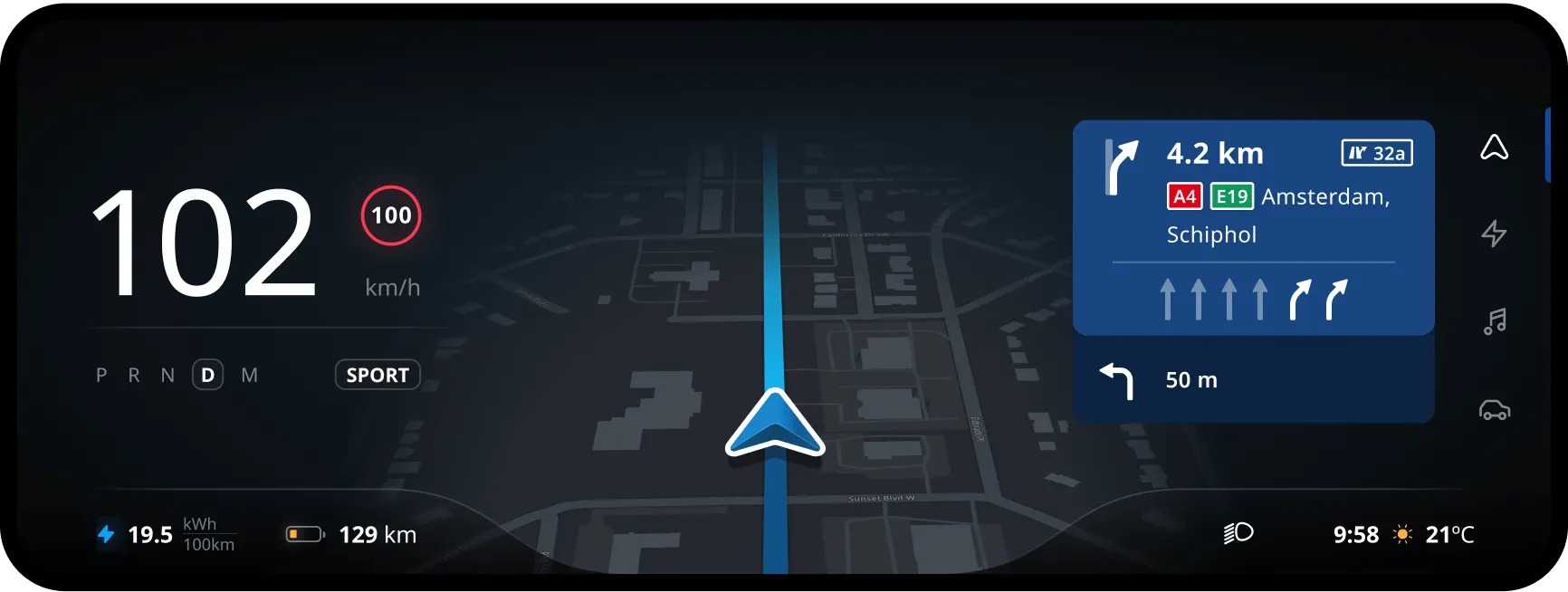
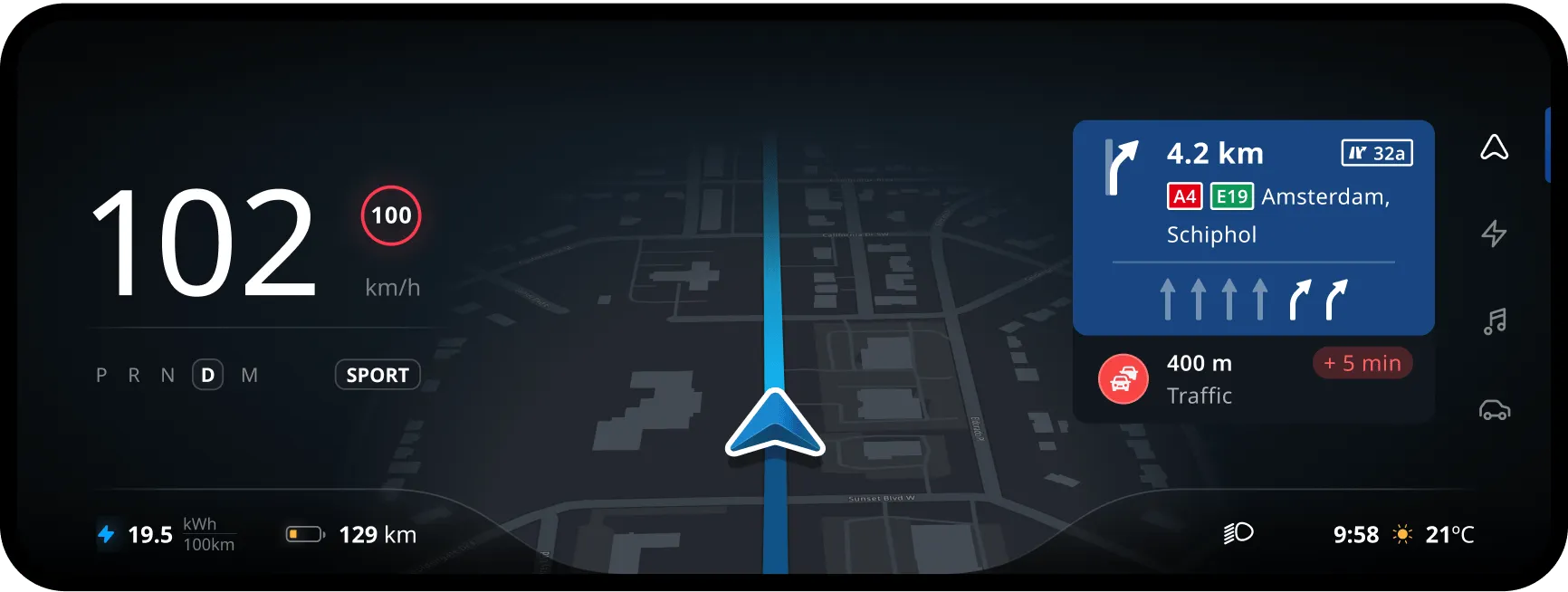
…in whatever layout available
Flexibility is key. As a driver, you’ll be able to switch between various layouts available in the cluster. It is crucial for navigation to adapt the map, navigation information, and overall experience to the container dimensions.
From a big widget to the smallest pop-up:
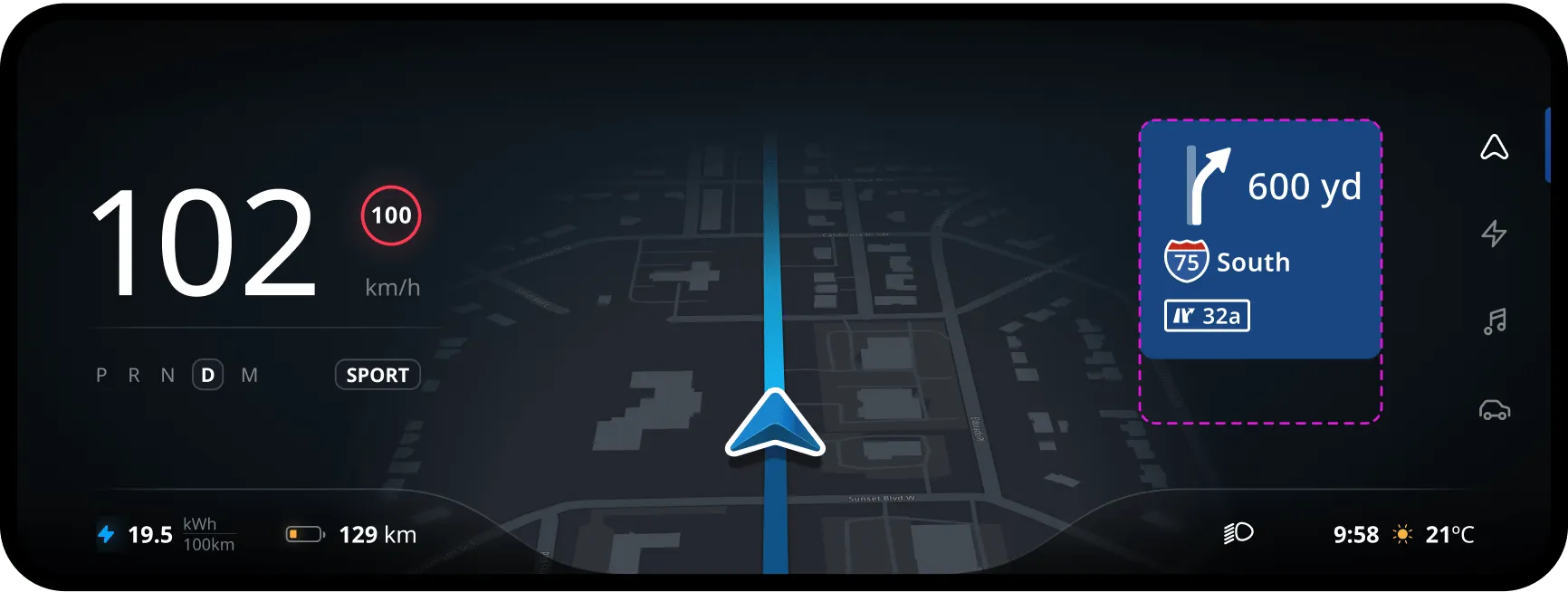
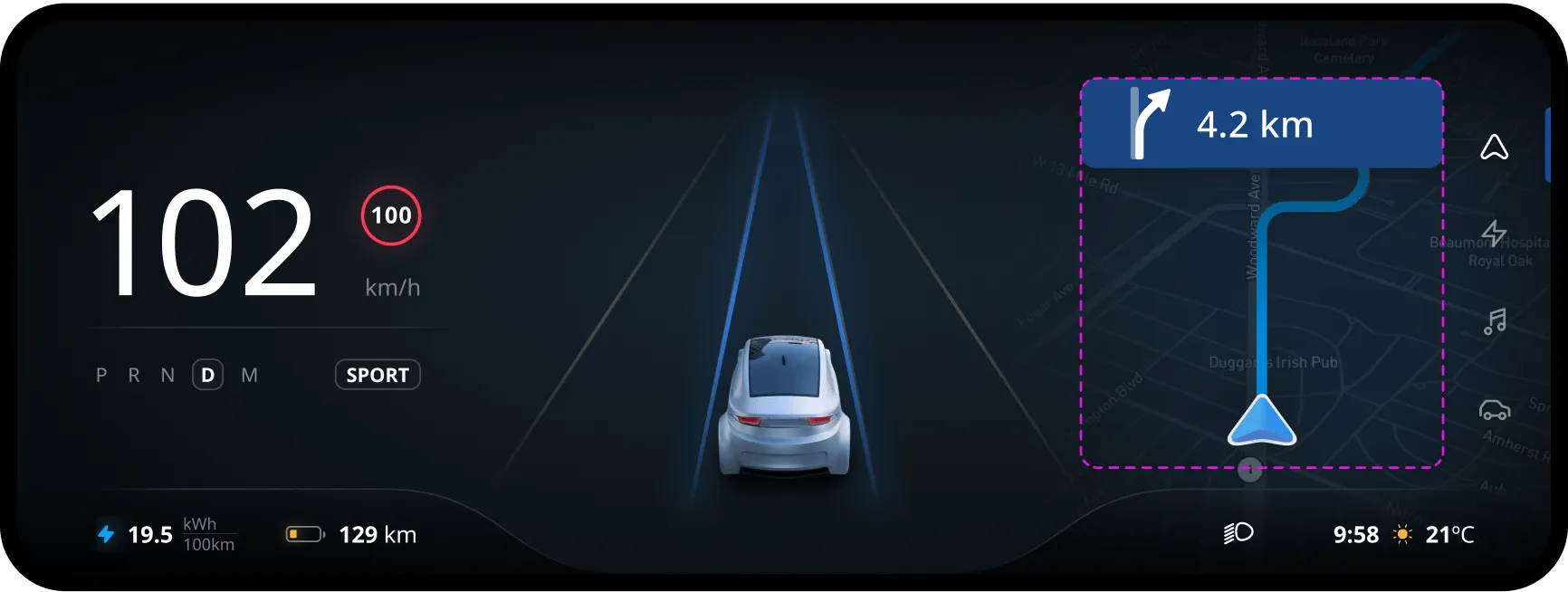
With or without a route
When driving without a route, we want to warn the user of speed cameras and LEZ zones. The experience is tailored automatically to the available space.
Depending on the size of the container in the cluster, the free driving experience will either show these warnings on the map and in a panel on top, or show them only as a map marker.
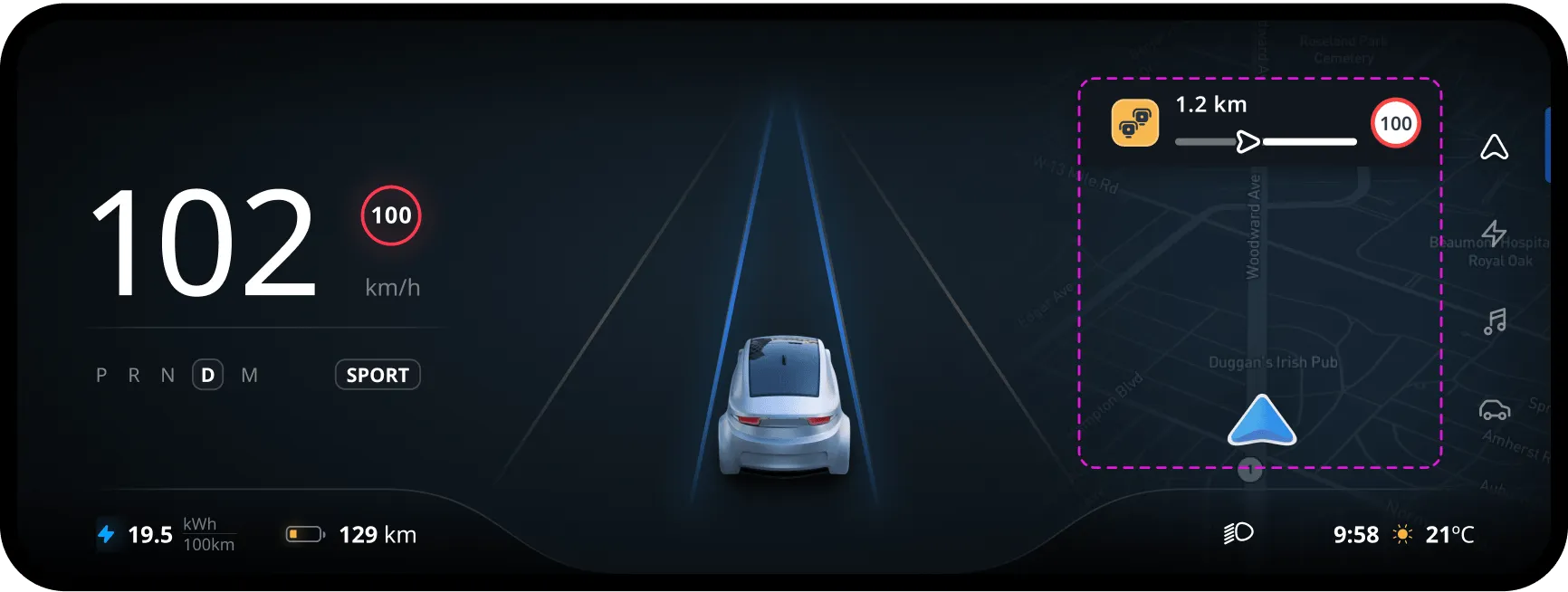
Horizon panel and map marker
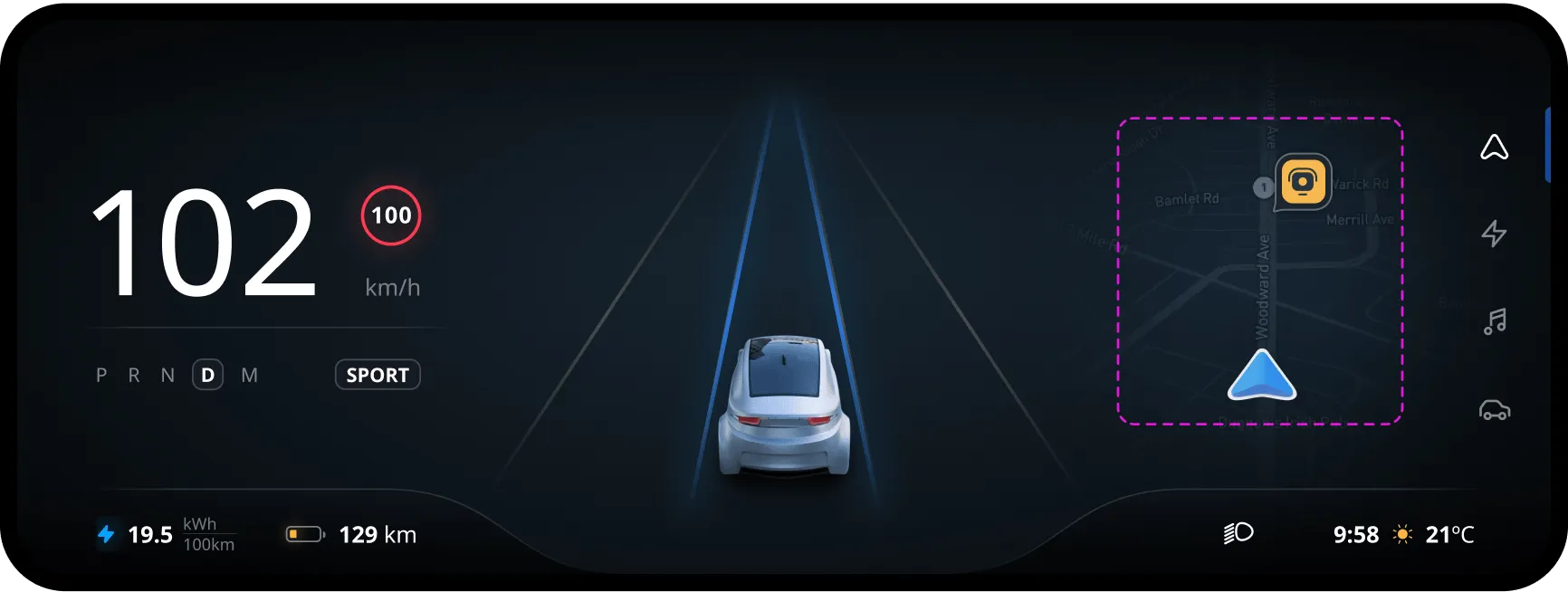
Map marker only
Arrival experience
In that case, the camera angle of the cluster will stick to the 3D view and show the arrival experience panel in the head unit.