Map view behaviour
Request accessOverview
To minimize the need for interacting with the map, the map slightly adapts to the best view automatically.
Automatic zooming behavior
In guidance mode, the map view is connected to the chevron.
The view automatically zooms out on roads with a higher road class, typically with a higher speed limit.
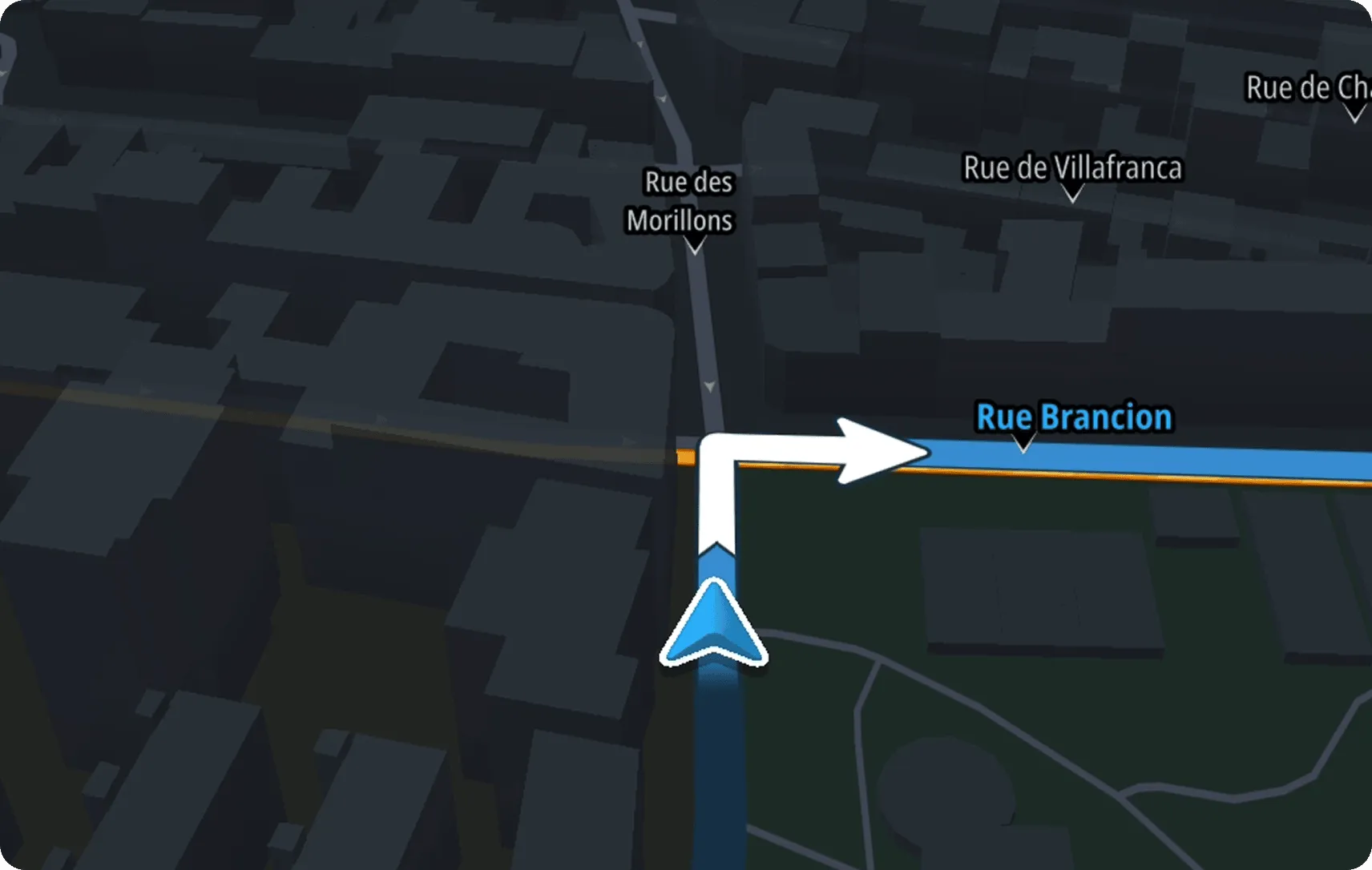
When getting closer to a maneuver, the view zooms in to the maneuver point.
When adjusting the zoom level manually with the zoom controls, the automatic zoom behavior is halted.
When re-centering or switching the camera modes, this behavior is restarted.