Community input
Request accessOverview
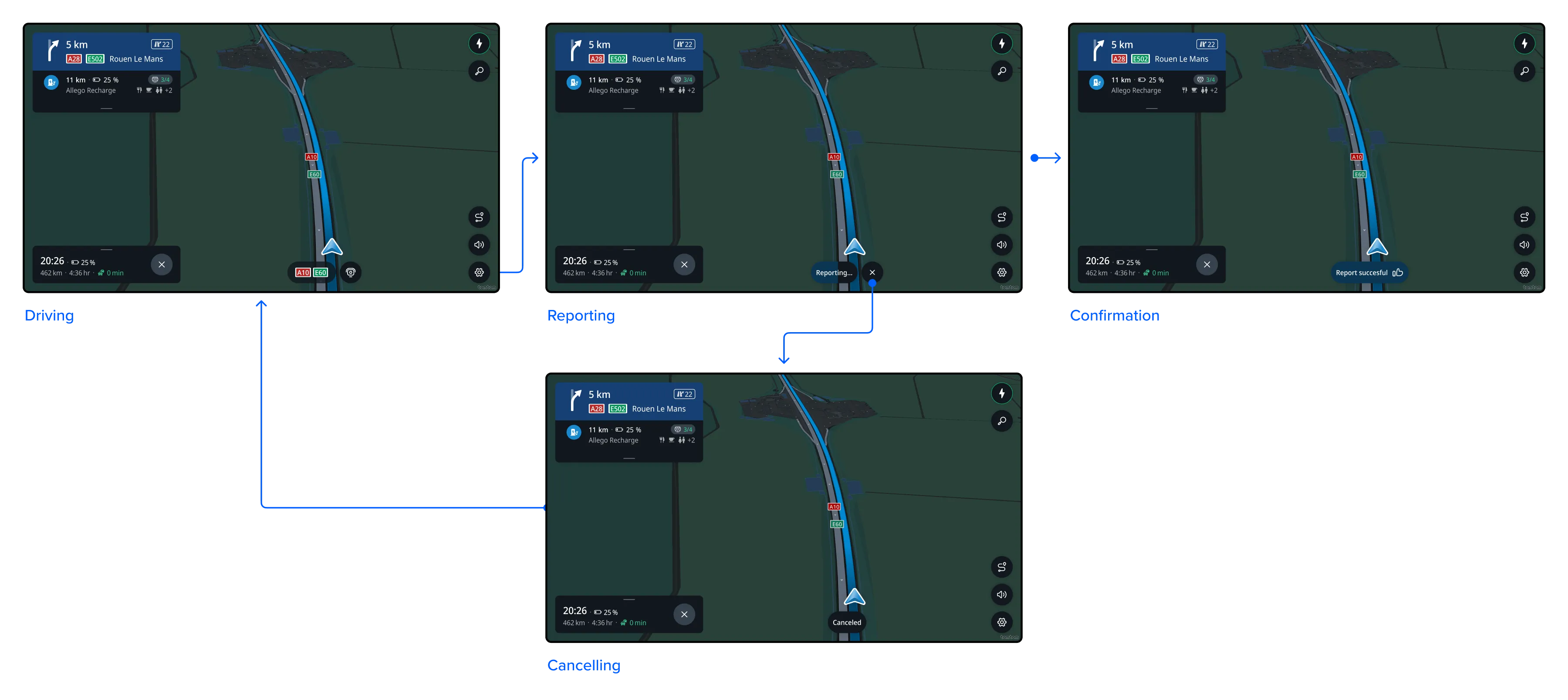
Drivers can report a speed camera along the way. They can do this both while driving with or without an active route.
Report mobile speed camera
The driver can tap on the Report button to report a mobile speed camera that is not yet visible on the map.
It will become visible to other drivers immediately after it has been reported for the first time, and it will remain visible for the next 2 hours.
Flow
Report
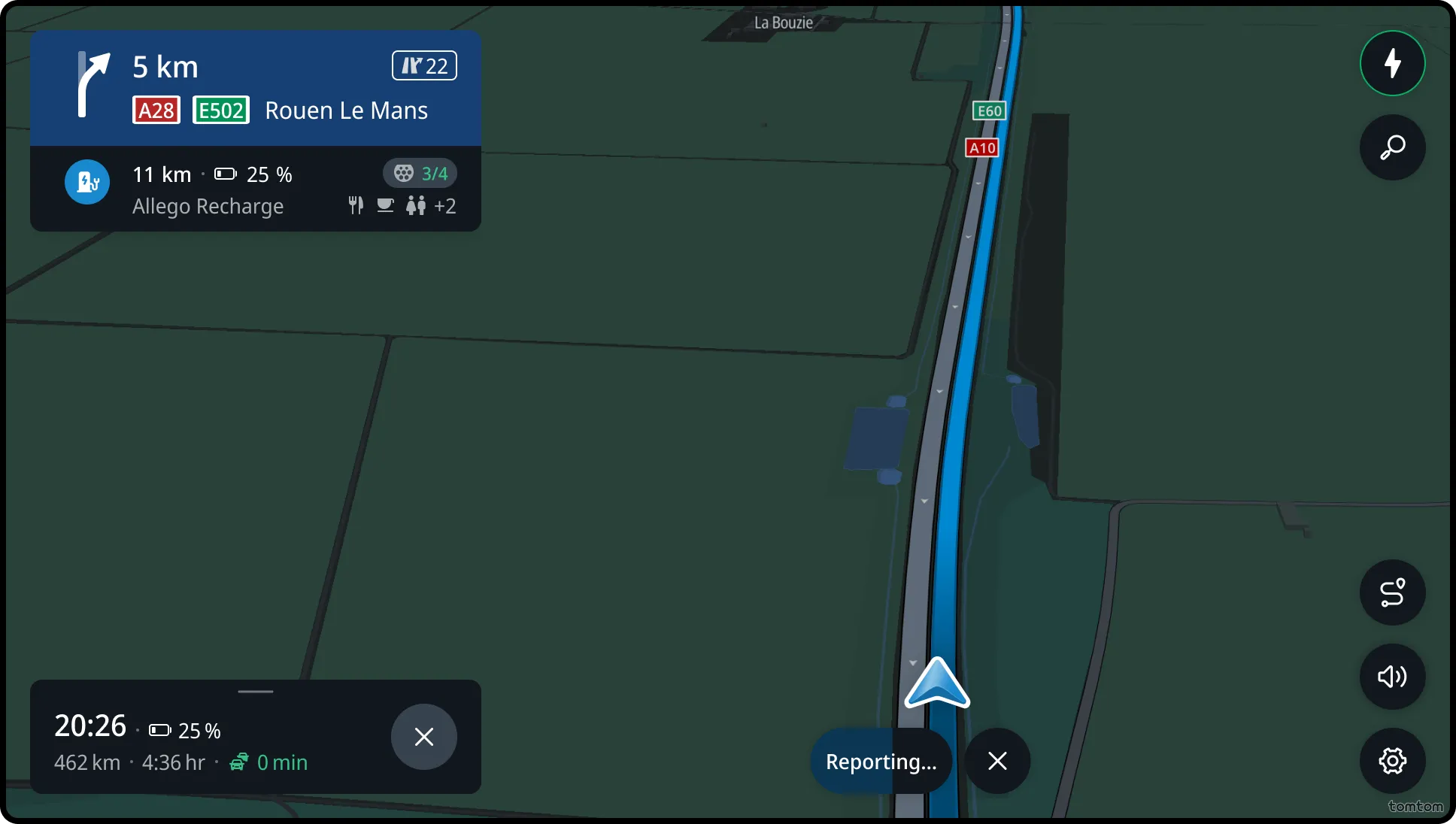
When the user clicks the Report button, the speed camera is reported, confirmed by the “Reporting…” message. The user can still cancel the report during the timeout. After the timeout, the confirmation message “Report successful” is shown.