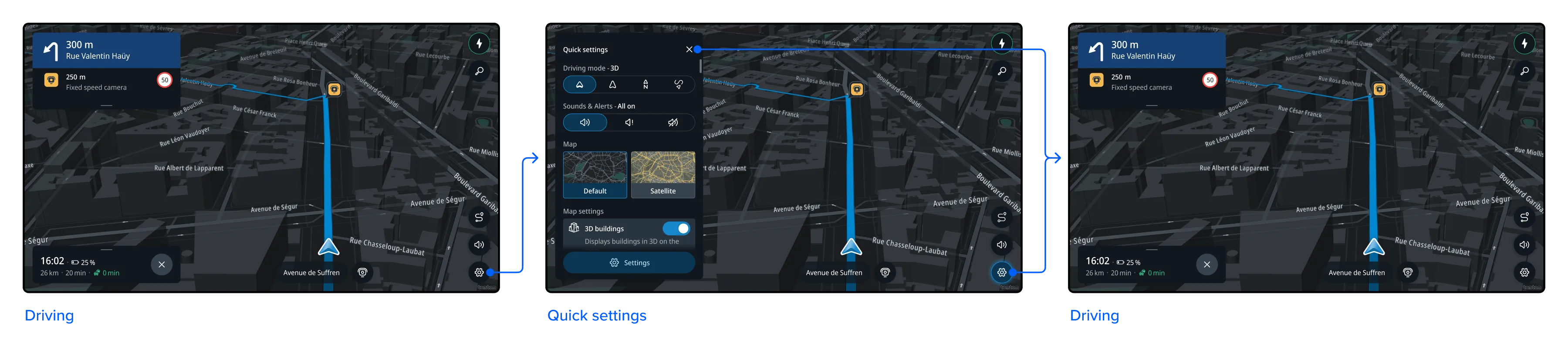
Quick settings menu
Request accessOverview
The Quick settings menu is a panel that provides fast access to the most settings during navigation, without having to go deep into the settings.
Map view
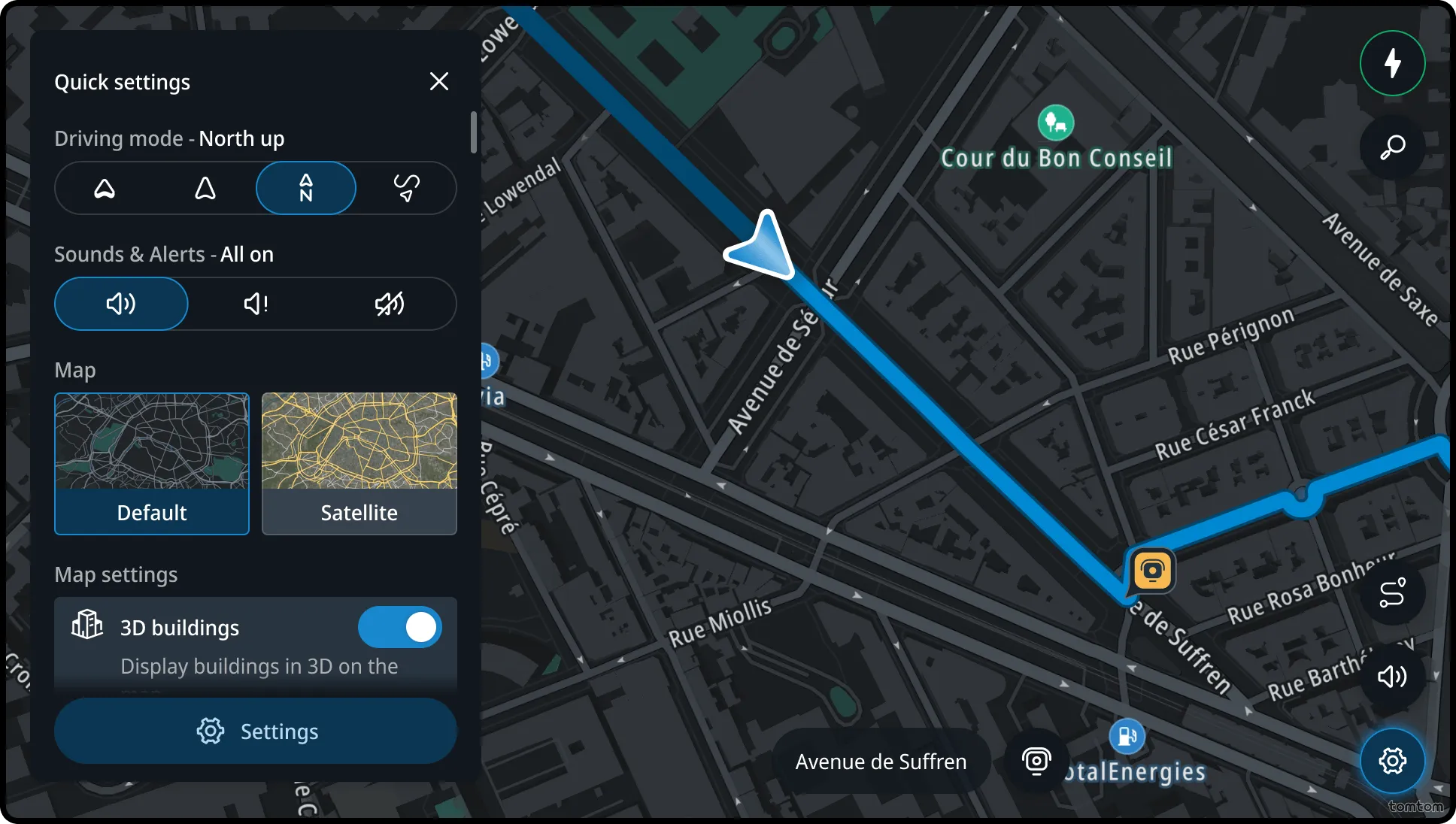
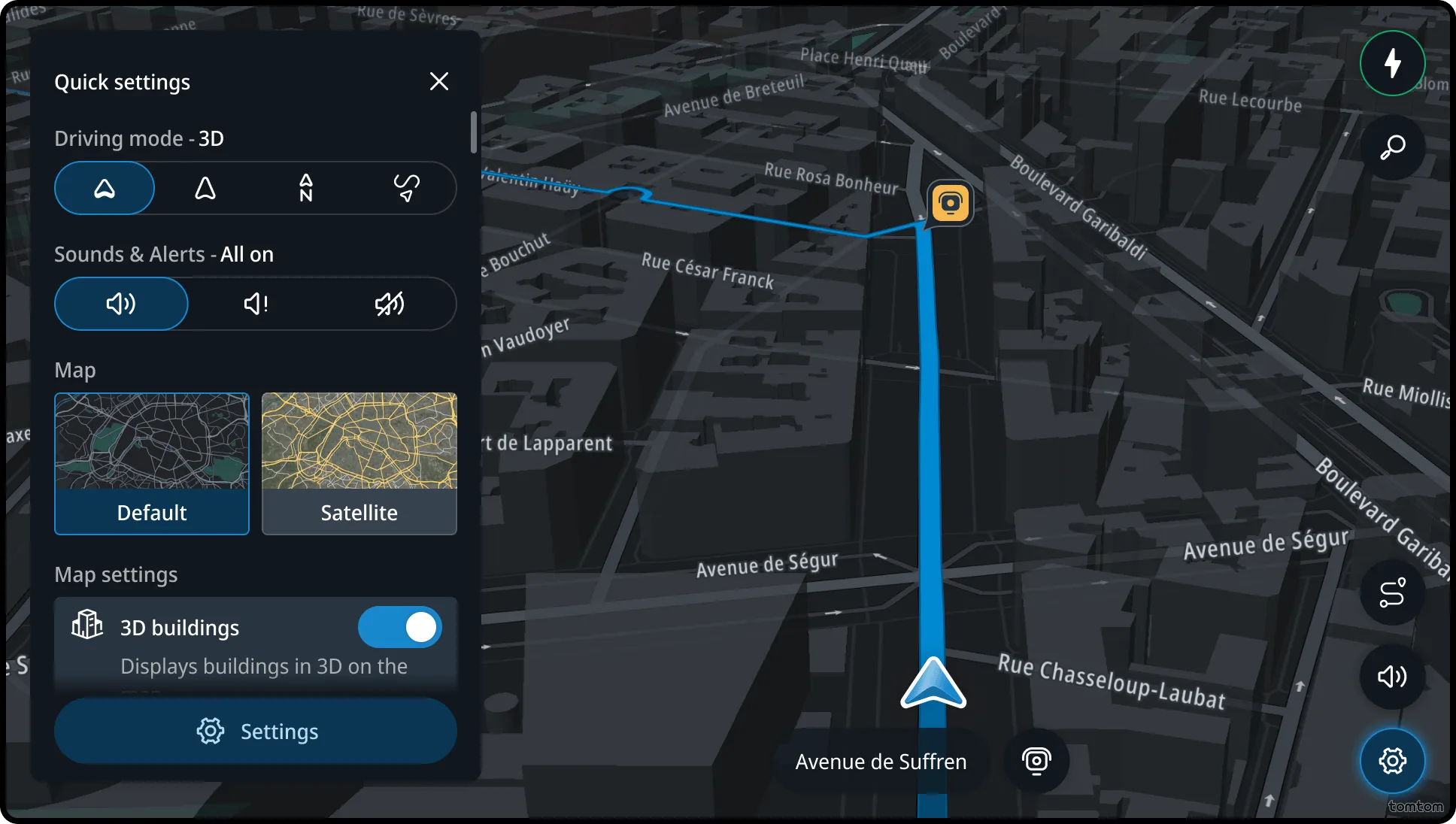
Through the Quick settings panel, users can change the map view by selecting one of three available camera modes:
- 3D. A tilted view aligned with the user’s direction of travel.
- 2D. A top-down view that provides a clearer overview of the immediate surroundings, also aligned with the user’s direction of travel.
- North up. A top-down view where the top of the map is fixed to the north. The chevron (user’s position indicator) is centered and points in the direction of travel.
Sounds
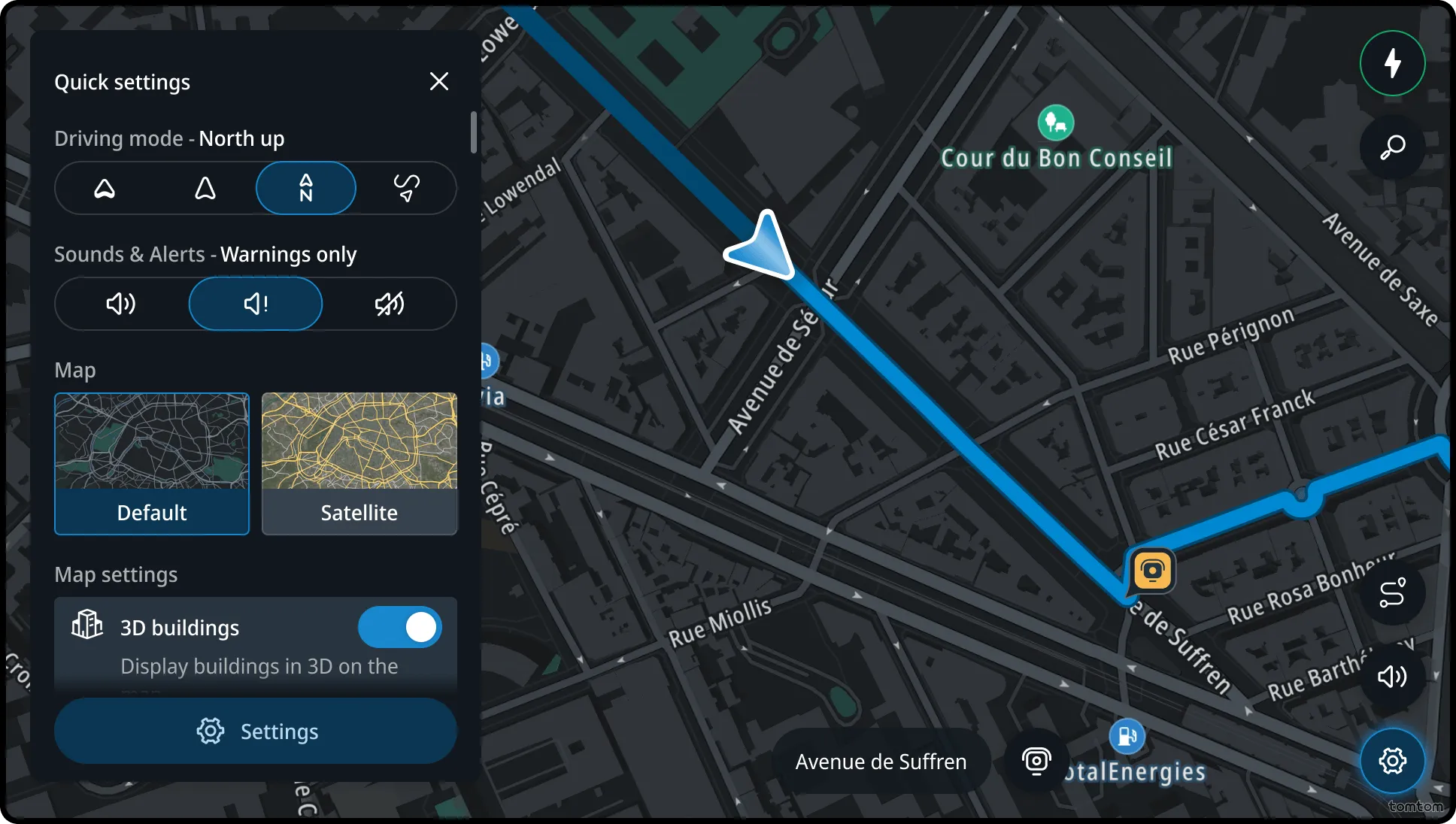
This setting allows users to control the type and delivery of navigation sounds. Users can choose between the following options:
- All on. Includes alert sounds along with spoken messages and guidance.
- Warnings only. Plays alert sounds only.
- All off. Disables all navigation sounds.
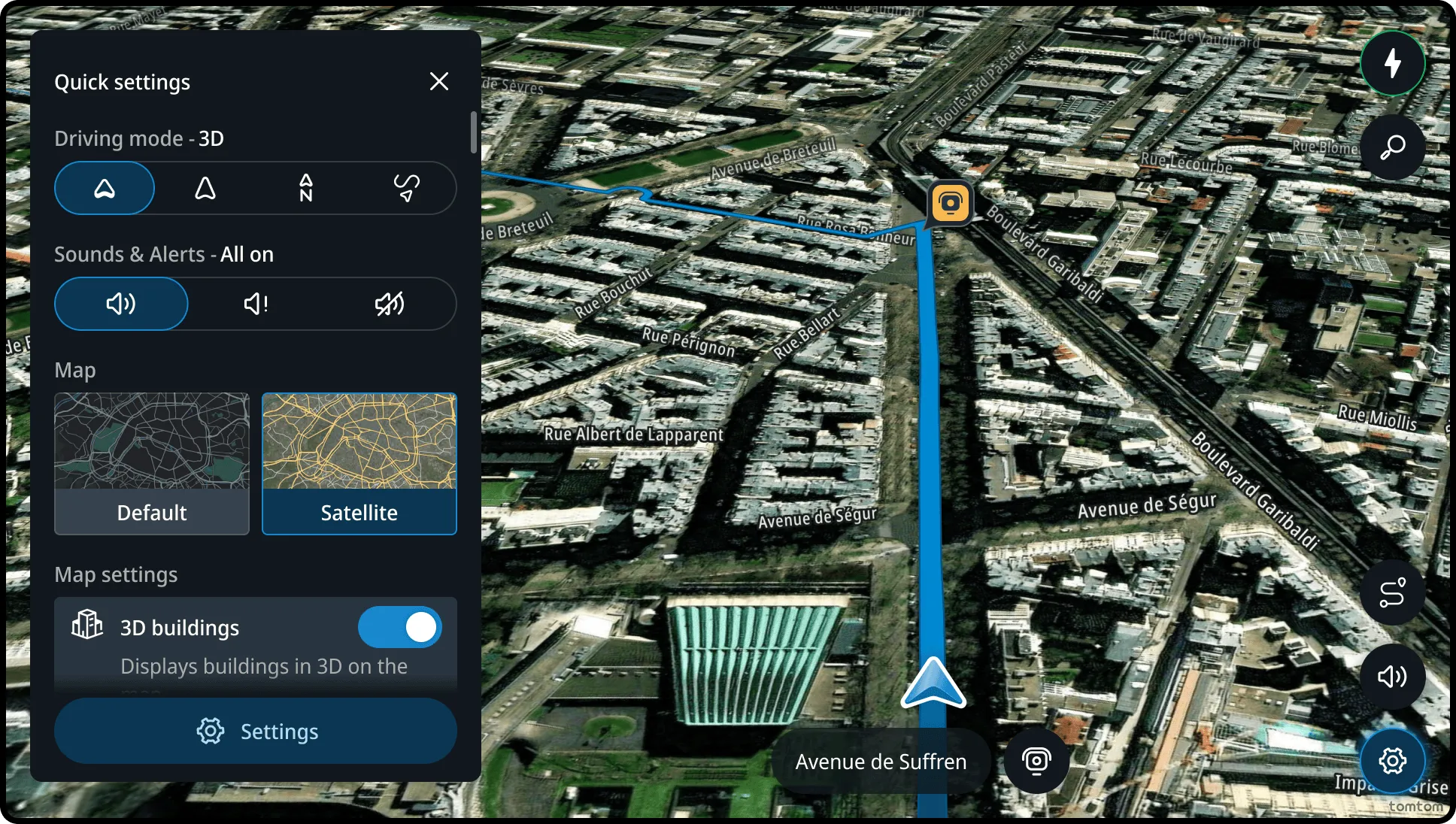
Map style
In this section, users can choose to show default map style or satellite map style.
3D buildings
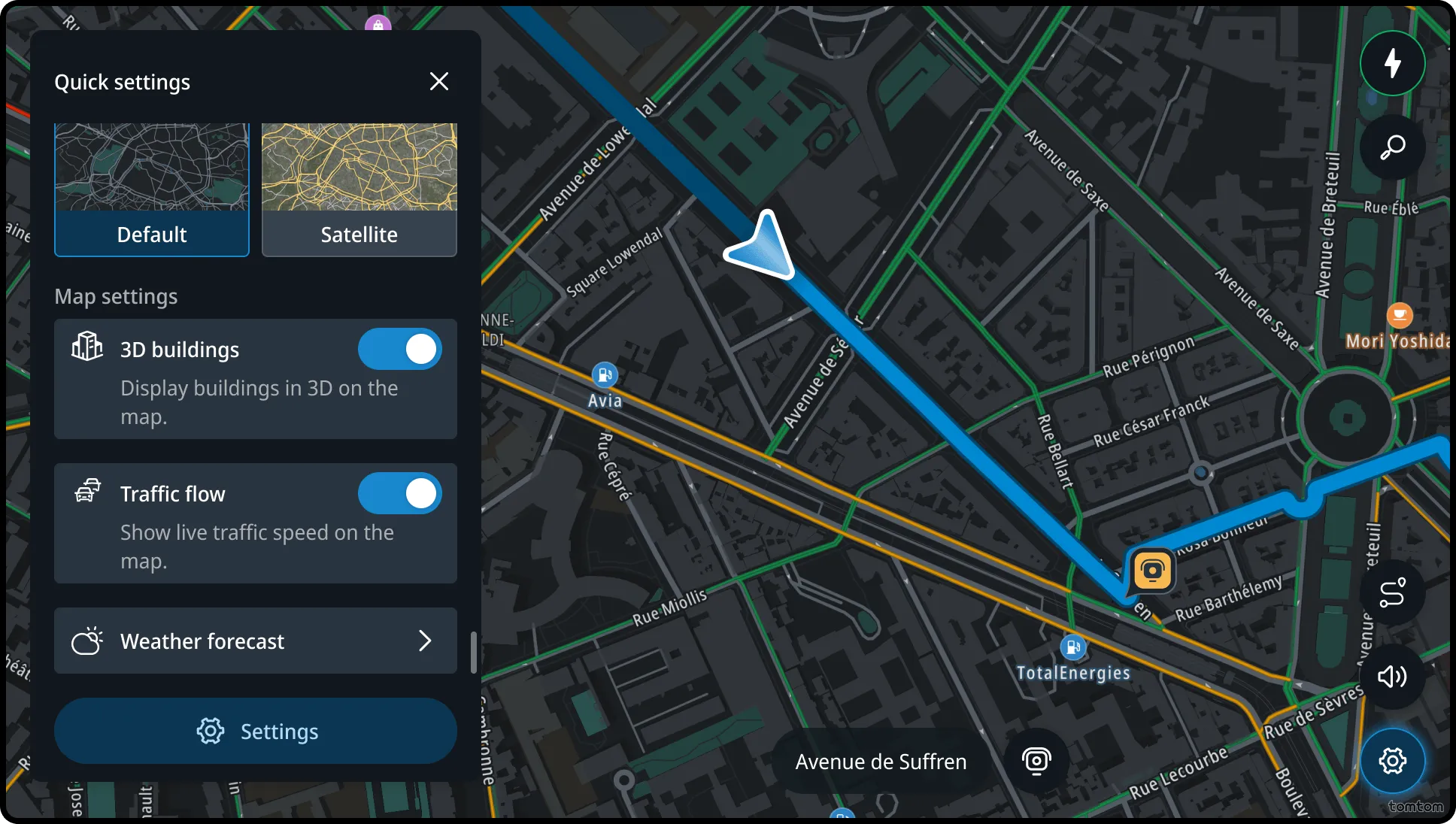
In this section, users can choose to show or hide 3D buildings on the map.
Traffic flow
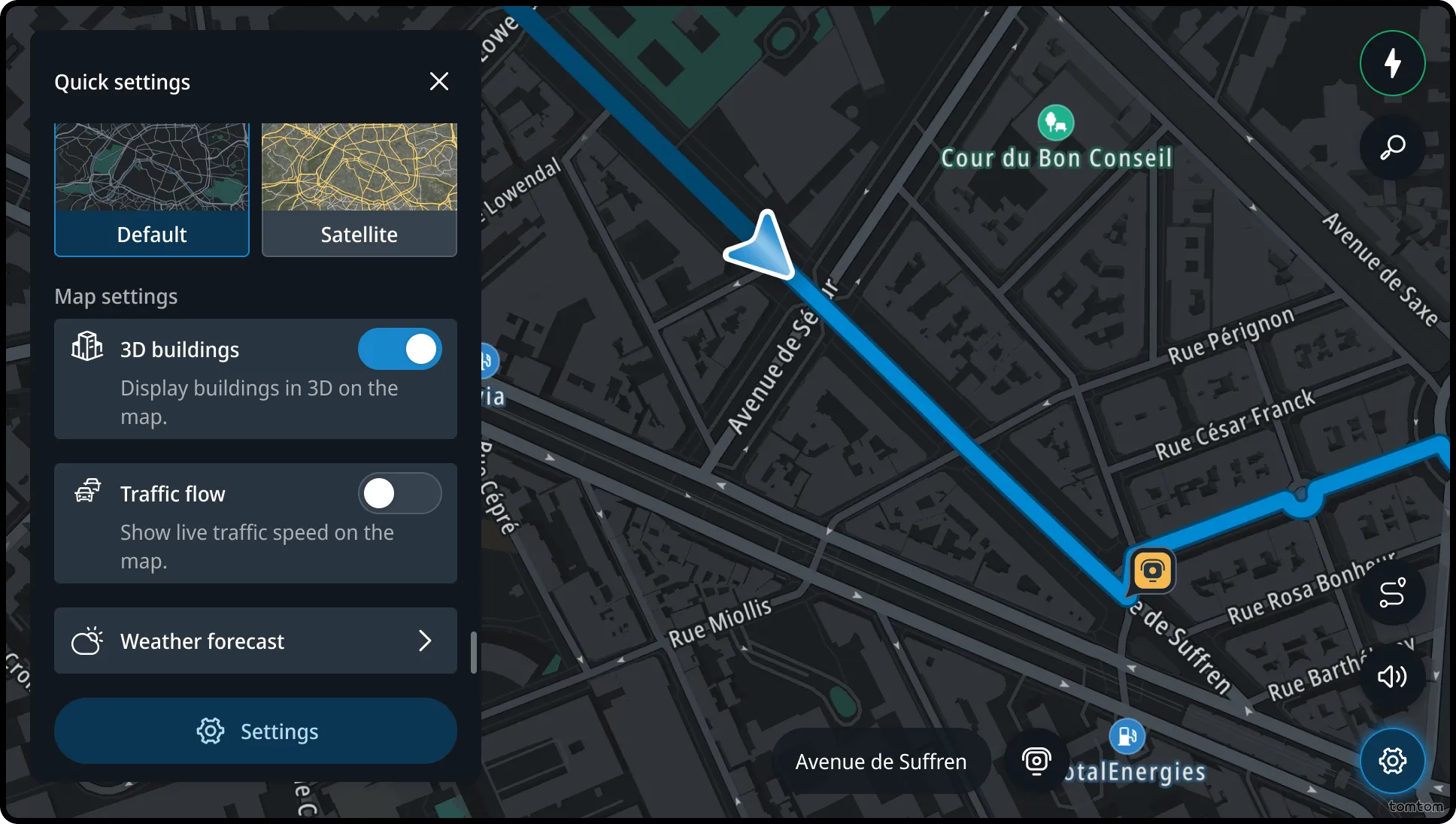
In this section, users can choose to show or hide the live traffic flow on the map, adding a visual overlay showing current traffic conditions in the surrounding area.
Weather forecast
The Quick settings panel includes an entry point to the TomTom Weather app. From here, users can view the weather forecast for their current location or along their planned route.
Settings
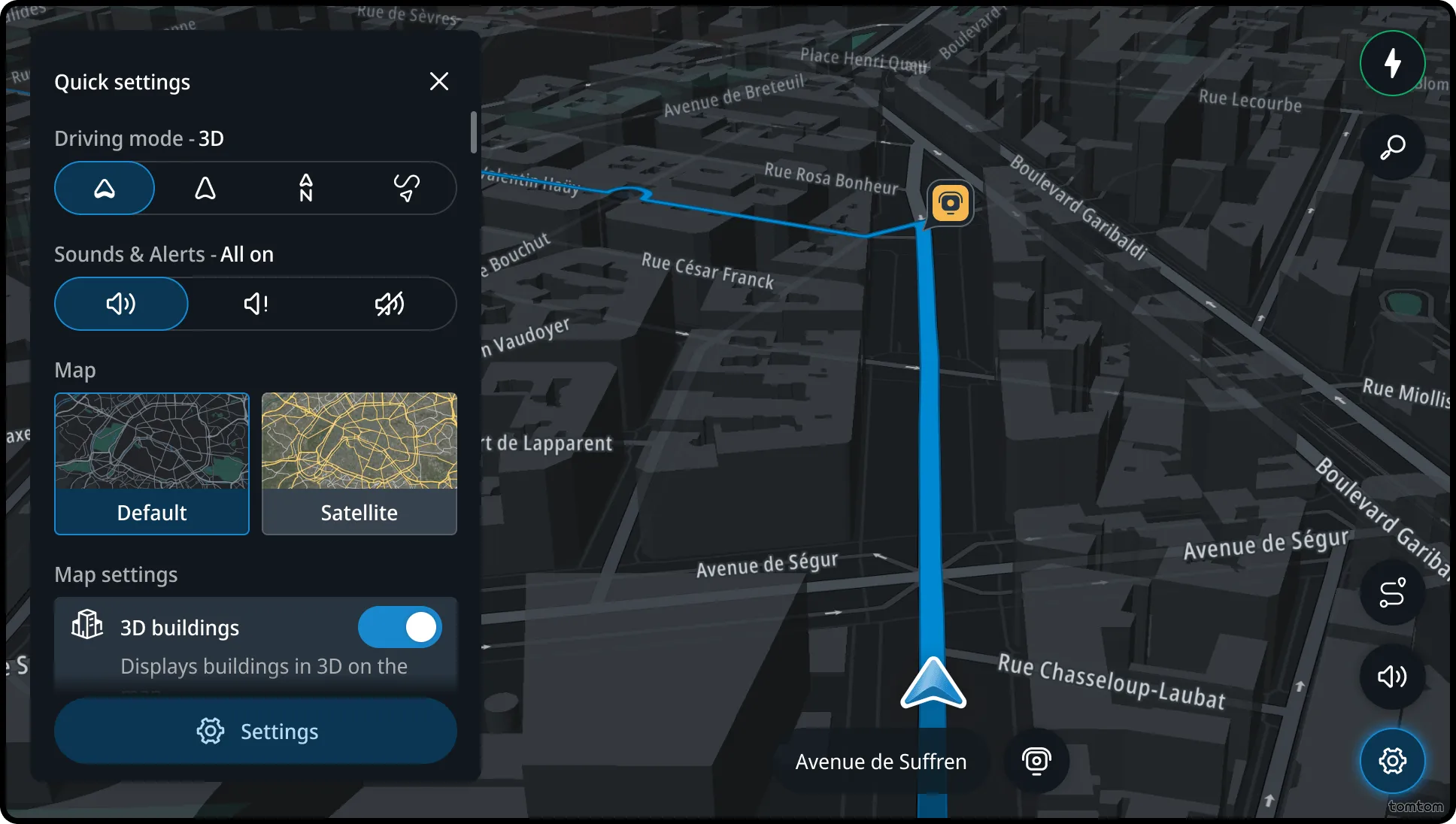
The Quick settings footer includes an entry point to the full navigation settings. From here, users can further customize their navigation experience.
Flow
Accessing Quick settings panel
The Quick settings panel can be opened by tapping the menu button located in the bottom-right corner of the map. This button is available on the screen in both the home view and while driving — with or without an active route. The Quick settings panel is not accessible during task-focused experiences such as search or route planning.